1
FINA320B User’s Manual
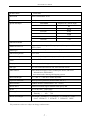
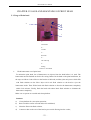
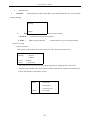
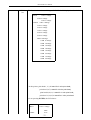
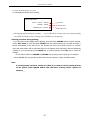
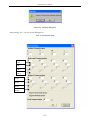
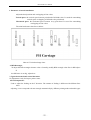
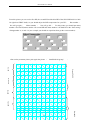
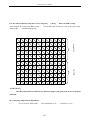
Chart 10-4 “Print setting” dialog box
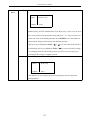
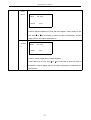
This function is to set the printing parameter, print mode, uni-direction, BID and the color of ink.
Note:
Usually, the four colors should all be selected. Only when the engineer adjusts the
position of head, one certain color is chosen to modify the printing parameter.
P/H QTY : This software support 4 and 8 print head optional.
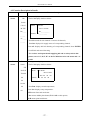
PRINT MODE :
There are 6 modes for choosing:
Test mode, 360*360 dpi,360*720 dpi, 360*1080 dpi, 720*720 dpi, 720*1080 dpi, 720*1440 dpi
Test mode:Horizontal printing precision is 360 dpi. Printer will print 360 dpi precision
once at
feeding direction.
360*360: Printing precision is 360 dpi.Printer will print 180 dpi precision two times at feeding
direction.
360*720: Printing precision is 360 dpi.Printer will print 180 dpi precision four times at
feeding direction.
360*1080: Printing precision is 360 dpi.Printer will print 180 dpi precision six times at
feeding direction.
720*720: Printing precision is 360 dpi and print twice.Printer will print 180 dpi precision
four times at feeding direction.
720*1080: Printing precision is 360 dpi and print twice.Printer will print 180 dpi precision
six times at feeding direction.
720*1440: Printing precision is 360 dpi and print twice.Printer will print 180 dpi precision
eight times at feeding direction.
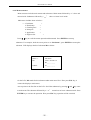
10.2.3 Printer Parameter Setting
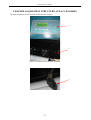
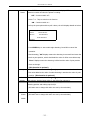
Pressing “Printing parameter setting”, it shows warning as below:
- 53 -