1
Change my Web Interface Password
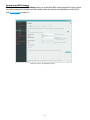
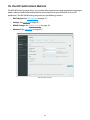
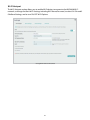
Clicking on Change my Web Interface Password takes you to the MiFi 6630 Admin Password section
of the Settings page, where you can change the Admin Password (See MiFi Admin Password
on page 50.) The default Admin password is admin. This is the password you use to sign In to
Settings.
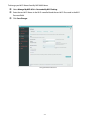
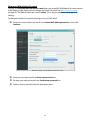
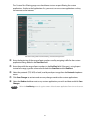
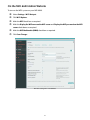
To change the Admin Password used to Sign In to your MiFi 6630:
➊➊
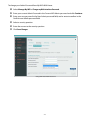
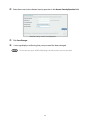
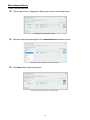
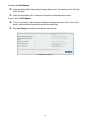
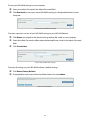
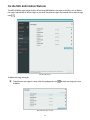
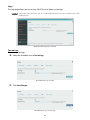
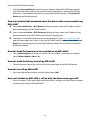
Enter your current Admin password in the Current MiFi Admin password box, then click
Continue.
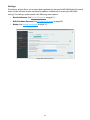
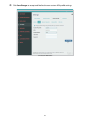
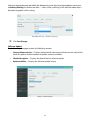
MiFi 6630 Settings - Change MiFi 6630 Admin Password
➋➋
➌➌
➍➍
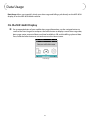
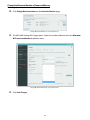
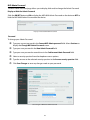
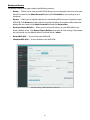
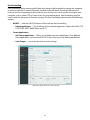
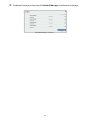
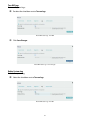
Enter your new password in the Enter new password box.
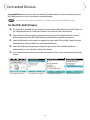
Re-enter your new password in the Confirm new password box.
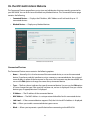
Select a security question from the drop down menu.
34