1
Configuring the Avaya 1140E IP Deskphone
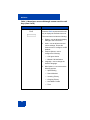
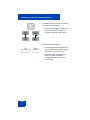
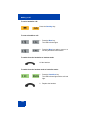
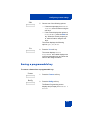
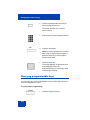
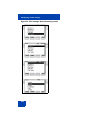
4. Choose one of the following:
Save
Back
or
— Press the Save context-sensitive
soft key to save the idle screen text
display.
— Press the Back context-sensitive
soft key to keep the existing screen
display text and return to the
Display menu.
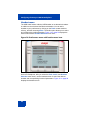
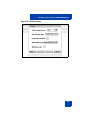
Configuring the Backlight Screensaver
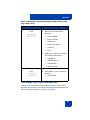
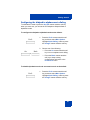
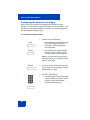
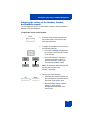
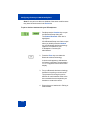
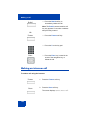
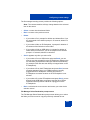
To configure the amount of time the LCD screen remains backlit:
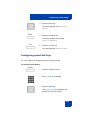
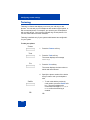
Prefs
1. Press the Prefs context-sensitive soft
key, select Display, Display Settings
and then select Backlight Screensaver
from the menu.
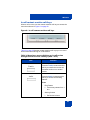
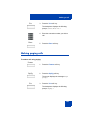
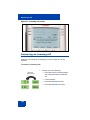
2. Press the Left/Right navigation key to
increase or decrease the length of time
you want the idle screen to remain
backlit.
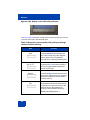
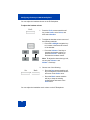
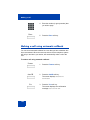
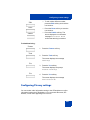
3. Choose one of the following:
Apply
Cancel
or
— Press the Apply context-sensitive
soft key to configure the length of
time for the phone to remain backlit
and return to the Display menu.
— Press the Cancel context-sensitive
soft key to keep the existing
configurations and return to the
Display menu.
83