1
3.3 Starting KX-TVM Maintenance Console
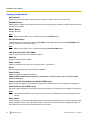
Program Mode
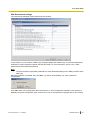
KX-TVM Maintenance Console has three programming modes: Initial, Batch, and Interactive. The current mode
is displayed in the lower-left corner of the screen.
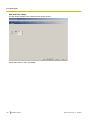
Initial Mode
When KX-TVM Maintenance Console is started, it enters Initial mode. From here, you can choose to enter
Batch mode or Interactive mode to program the VPS.
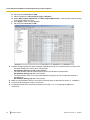
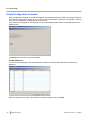
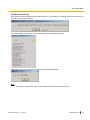
Batch Mode
Batch mode allows you to create new system data files and make modifications to system data files saved on
your PC without being connected to the VPS. Later, when you connect to the VPS, the system data stored in
the PC can be uploaded to the VPS.
To enter Batch mode, select an option from the File menu.
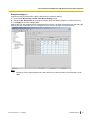
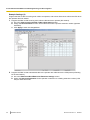
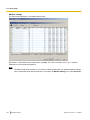
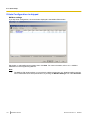
Interactive Mode
Interactive mode allows you to directly modify the system data and settings saved in the VPS’s memory from
a PC that is connected to the VPS. This mode displays the system data that is currently being used by the
VPS. Data can be modified and results displayed in real time.
To enter Interactive mode, select an option from the Connect menu.
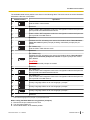
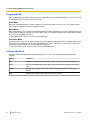
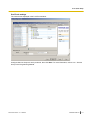
Standard Buttons
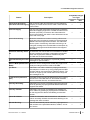
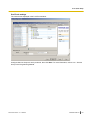
There are several standard buttons that are displayed on many screens within KX-TVM Maintenance
Console.
90
Button
Function
OK
Accepts the settings that were made in the current screen and closes the screen.
Apply
Accepts the settings that were made in the current screen and leaves the screen
open.
Cancel
Ignores any changes made in the current screen and returns to the previous
screen.
Help
Displays the relevant help topic for the current screen.
Installation Manual
Document Version 2.1 2008/04