1
ALARM DESCRIPTION
EXCEL 50 USER GUIDE
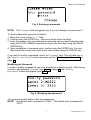
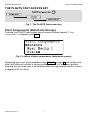
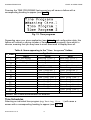
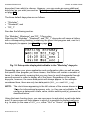
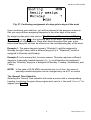
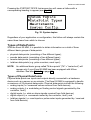
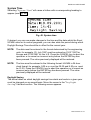
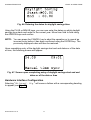
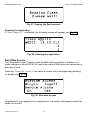
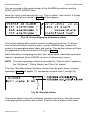
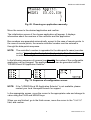
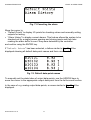
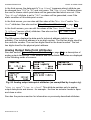
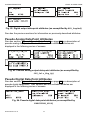
Fig. 73 Canceling the alarm
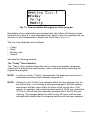
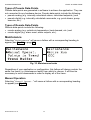
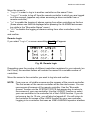
Move the cursor to
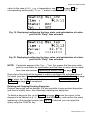
• "Default Points" to display I/O points for checking values and manually setting
outputs for testing.
• "Alarm History" to display current alarms. This feature allows the system to be
checked out by a single person opening and closing inputs and then later
reading the alarm buffer to see if they were detected by the controller.
and confirm using the ENTER key.
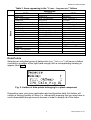
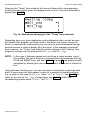
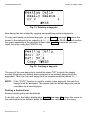
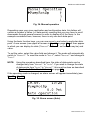
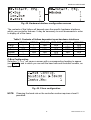
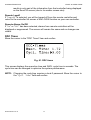
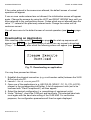
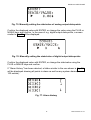
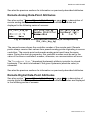
If "Default Points" has been selected, a listbox similar to Fig. 74 will be
displayed showing all default data-point names and their current values.
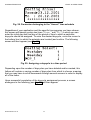
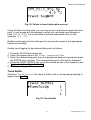
Fig. 74. Default data-point names
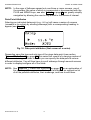
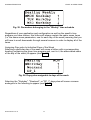
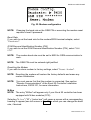
To manually set the state/value of output data-points, use the ARROW keys to
move the cursor to the appropriate output data-point from the list box and confirm.
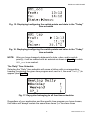
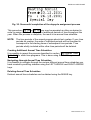
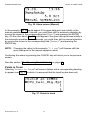
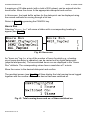
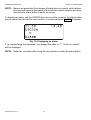
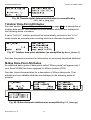
In the case of e.g. analog output data-points, a screen similar to Fig. 75 will be
displayed.
EN2B-0222GE51 R1101
54