1
e-Shipper User Guide
Confirming your request
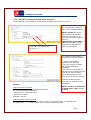
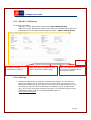
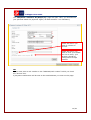
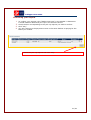
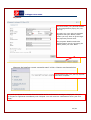
1. To confirm your request, click “Basket Overview” in the sidebar. A distinction
is made between labels and pick-ups in the Product column.
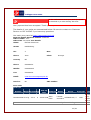
2. Check the box corresponding to the pick-up request you wish to confirm.
3. Click “Pay”.
4. You will continue to the payment screen in the same fashion as paying for the
labels you created.
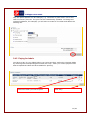
Select the pick-up request and click "Pay".
21/24