1
DC4sx
User’s Manual
Line feed calibration
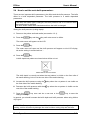
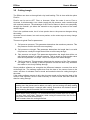
1. Power on the printer and load media (see section 1.6.1).
2. Press the
key.
The printer menu will appear on the LCD.
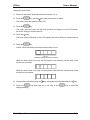
3. Press the
key.
The printer menu will open and first menu item will appear on the LCD.
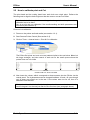
4. Press the
key.
key until the linefeed test menu is visible on LCD. Press the
The line menu will appear on the LCD display, there is a choice between a
recommended test and a simple test.
5. Press
to initiate the recommended test.
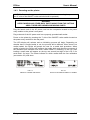
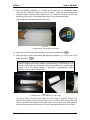
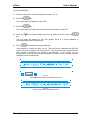
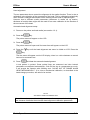
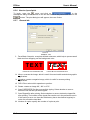
A test pattern is printed and then cut out. Then the DC4sx calibrates the OptiTrac
sensor and then completes the line feed test. The printed lines are measured and
then internal parameters are adjusted automatically. If the DC4sx has to
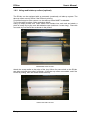
compensate too much, it will prompt the operator to redo the test. A simple line feed
calibration test will suffice then.
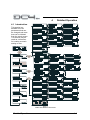
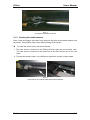
FIG 2-3
2-3 RECOMMENDED LINE FEED CALIBRATION TEST
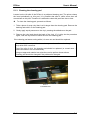
FIG 2-4
2-4 SIMPLE LINE FEED CALIBRATION TEST
Basic Operation
2-5