1
menu items or decrease the volume during playback.
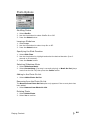
Connecting to your Computer
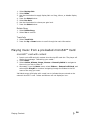
1. Connect the smaller end of the Sansa cable into an available USB port on your computer.
2. Connect the larger end of the Sansa cable into the dock connector of your player.
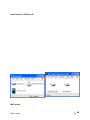
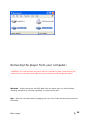
3. Your player will show “Connected” on the display screen and appear in My Computer as
a Portable Media Player.
menu items or decrease the volume during playback.
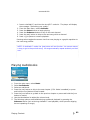
Connecting to your Computer
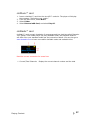
1. Connect the smaller end of the Sansa cable into an available USB port on your
computer.
2. Connect the larger end of the Sansa cable into the dock connector of your player.
3. Your player will show “Connected” on the display screen and appear in My
Computer as a Portable Media Player.
NOTE: For Mac OS, the player must be set to Auto Detect or MSC mode in the USB
Mode settings. See Section 9 – Settings for more details.
Basic Usage
23