1
Page 32
CR:110A doseBadge User Manual
Viewing stored measurements
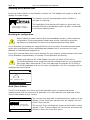
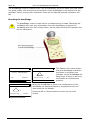
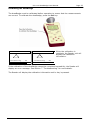
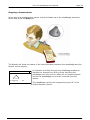
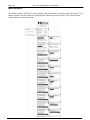
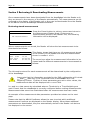
When the measurement download has been completed, the Reader unit will display the
last measurement data.
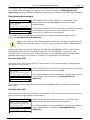
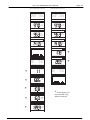
The different measurement parameters can be viewed by pressing the Down Arrow
button. For further details, please refer to section 5 AReviewing & Downloading
Measurements@.
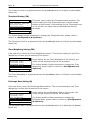
Downloading stored measurements to the doseBadge software
Measurements can be downloaded from the Reader unit to the doseBadge software
supplied with the RC:110A Reader Unit. If the dBLink3 and dBase Database programs
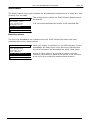
have been installed, connect the Reader unit using the supplied USB cable to the PC.
The dBLink3 software will automatically connect to the Reader and the measurement
information can be downloaded.
Please refer to the help provided with the dBLink and the dBase Database for details of
the download procedure. Refer to section 5 AReviewing & Downloading
Measurements@ for details of connecting the Reader to a PC.