1
GS-3012F User’s Guide
17.4 Service Access Control
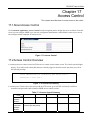
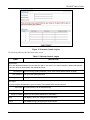
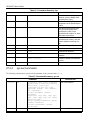
Service Access Control allows you to decide what services you may use to access the GS-3012F. You may also
change the default service port and configure “trusted computer(s)” for each service in the Remote Management
screen (discussed later). Click Access Control to go back to the Access Control screen.
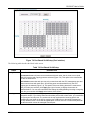
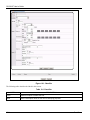
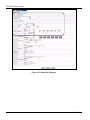
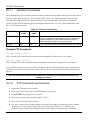
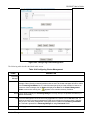
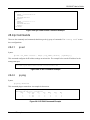
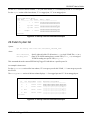
Figure 17-6 Access Control: Service Access Control
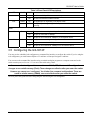
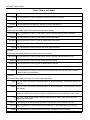
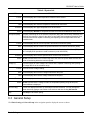
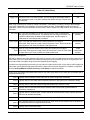
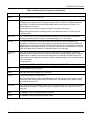
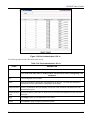
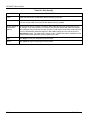
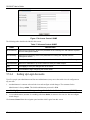
The following table describes the fields in this screen.
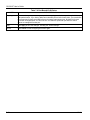
Table 17-6 Access Control: Service Access Control
LABEL
DESCRIPTION
Services
Services you may use to access the GS-3012F are listed here.
Active
Select this option for the corresponding services that you want to allow to access the GS-3012F.
Service Port For Telnet, FTP or web services, you may change the default service port by typing the new port
number in the Service Port field. If you change the default port number then you will have to let
people (who wish to use the service) know the new port number for that service.
Apply
Click Apply to save your changes back to the switch.
Cancel
Click Cancel to begin configuring this screen afresh.
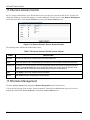
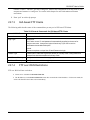
17.5 Remote Management
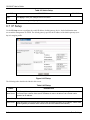
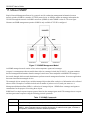
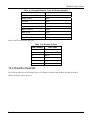
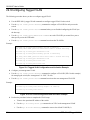
From the Access Control screen, display the Remote Management screen as shown next.
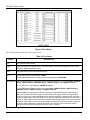
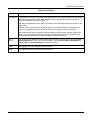
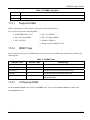
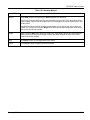
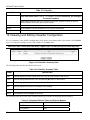
You can specify a group of one or more “trusted computers” from which an administrator may use a service to
manage the switch. Click Access Control to return to the Access Control screen.
17-6
Access Control