1
Command Line Interface
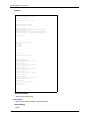
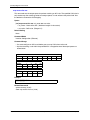
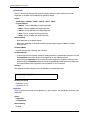
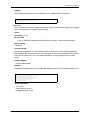
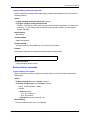
Example
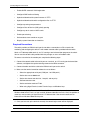
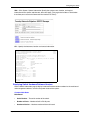
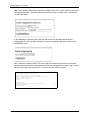
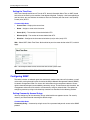
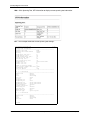
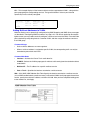
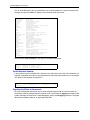
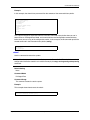
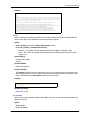
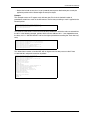
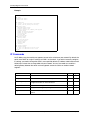
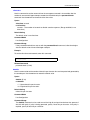
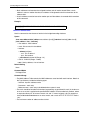
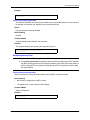
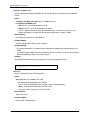
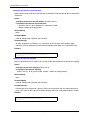
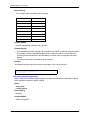
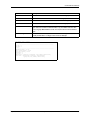
Console#show access-list ip mask-precedence
IP ingress mask ACL:
mask host any
mask 255.255.255.0 any
Console#
Related Commands
mask (IP ACL) (4-74)
ip access-group
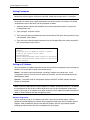
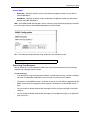
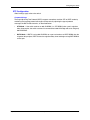
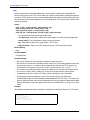
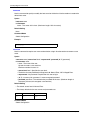
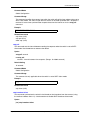
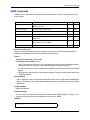
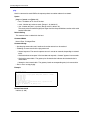
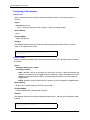
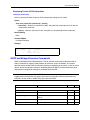
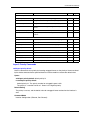
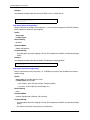
This command binds a port to an IP ACL. Use the no form to remove the port.
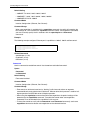
Syntax
[no] ip access-group acl_name {in | out}
• acl_name – Name of the ACL. (Maximum length: 16 characters)
• in – Indicates that this list applies to ingress packets.
• out – Indicates that this list applies to egress packets.
Default Setting
None
Command Mode
Interface Configuration (Ethernet)
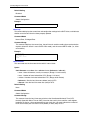
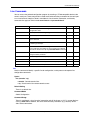
Command Usage
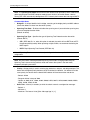
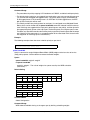
• A port can only be bound to one ACL.
• If a port is already bound to an ACL and you bind it to a different ACL, the switch will replace the
old binding with the new one.
• You must configure a mask for an ACL rule before you can bind it to a port.
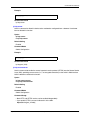
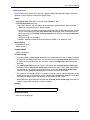
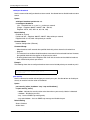
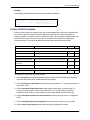
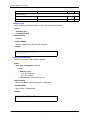
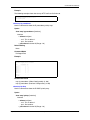
Example
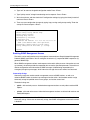
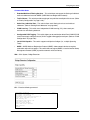
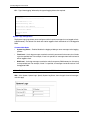
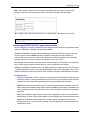
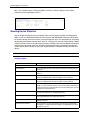
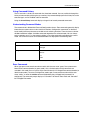
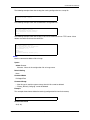
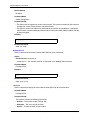
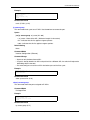
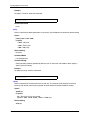
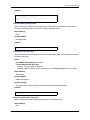
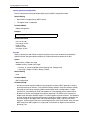
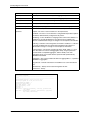
Console(config)#int eth 1/25
Console(config-if)#ip access-group standard david in
Console(config-if)#
Related Commands
show ip access-list (4-73)
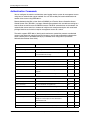
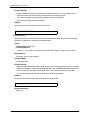
show ip access-group
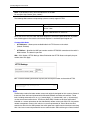
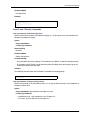
This command shows the ports assigned to IP ACLs.
Command Mode
Privileged Exec
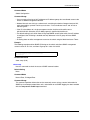
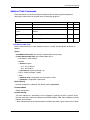
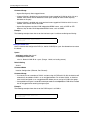
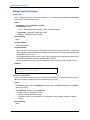
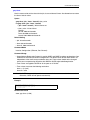
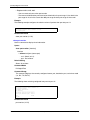
Example
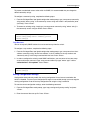
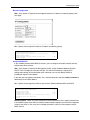
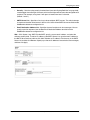
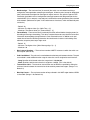
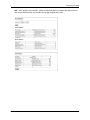
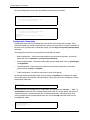
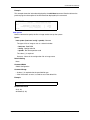
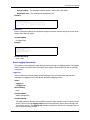
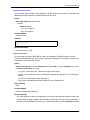
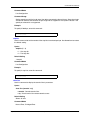
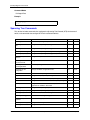
Console#show ip access-group
Interface ethernet 1/25
IP standard access-list david
Console#
Related Commands
ip access-group (4-77)
May 2004
© 2004 Foundry Networks, Inc.
4-77