1
Chapter 3 Menu – File/Edit/View/Tools/Option
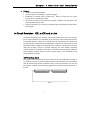
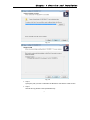
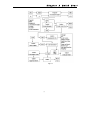
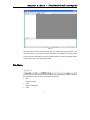
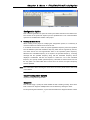
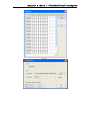
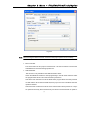
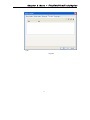
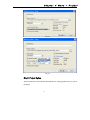
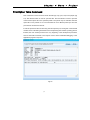
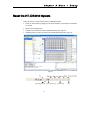
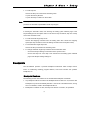
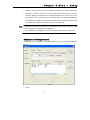
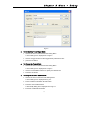
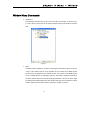
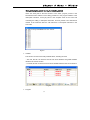
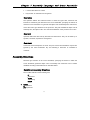
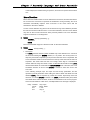
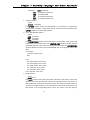
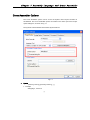
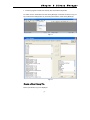
Fig 3-10
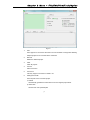
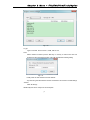
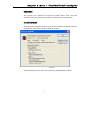
1.Type
Types of module. These can be C, ASM, OBJ or LIB.
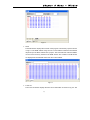
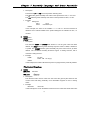
2.Set
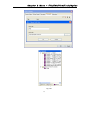
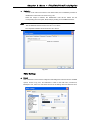
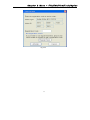
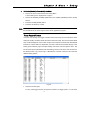
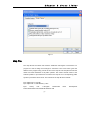
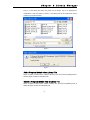
Select modules in listbox (use the Shift key or Ctrl key to select more than one
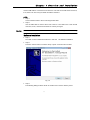
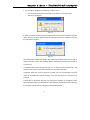
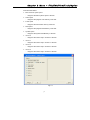
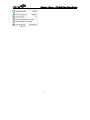
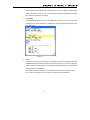
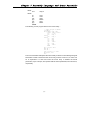
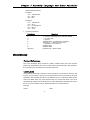
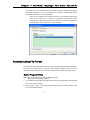
module) and then click the Set button. This will generate the following dialog:
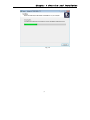
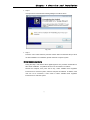
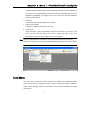
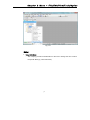
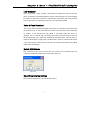
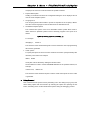
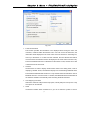
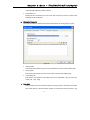
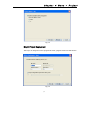
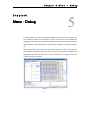
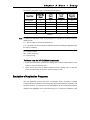
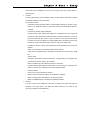
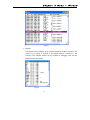
Fig 3-11
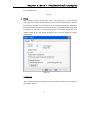
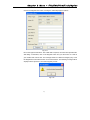
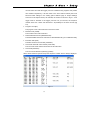
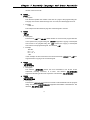
Finally enter the start address and end address.
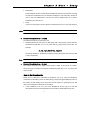
Tip: Removing the start address and the end address can reset the module settings
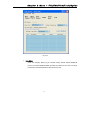
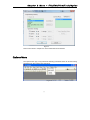
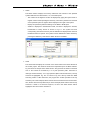
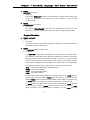
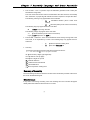
3.Reset
Clear all settings
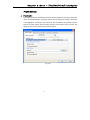
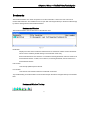
Additionally this can be setup from the workspace.
28