1
Item
Function
Sub-item
Video over IP
Serial over IP
Option
Description
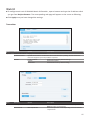
Enable/disable the copy function from EDID compliant monitors automatically.
Baudrate setting
Setup the baudrate settings.
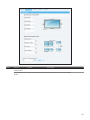
EDID configuration
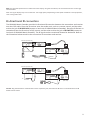
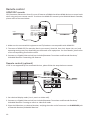
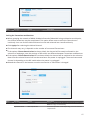
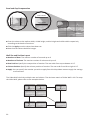
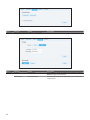
■ To copy the EDID information, tick the option of Copy EDID from this Video Output. The EDID
information will be copied each time power on the Receiver.
■ Alternatively, remove the power of Receiver. Hold the devices button and then power on the unit
again. Release the Deceive button when the Device indicator flashes.
■ Click the Apply after ticking/unticking the Copy EDID from this Video Output.
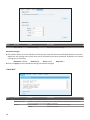
Baudrate settings
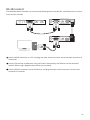
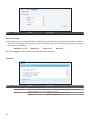
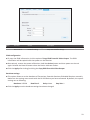
■ This option allows to set the baudrate of Transmitter, Extender Receiver/VideoWall Receiver manually.
Make sure the settings must match with the RS-232 device you have connected. By default, the system
settings are as following:
Baudrate: 115200
Data bits: 8
Parity: None
Stop bits: 1
■ Click the Apply once the baudrate settings have been changed.
23