1
Debug Perspective Views
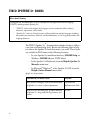
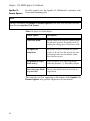
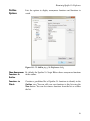
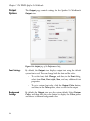
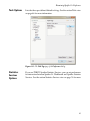
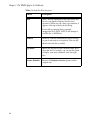
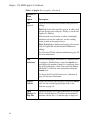
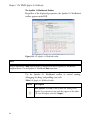
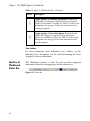
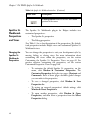
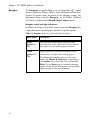
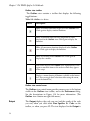
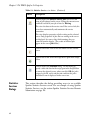
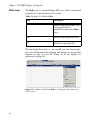
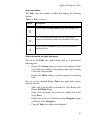
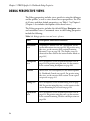
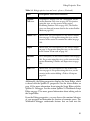
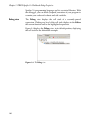
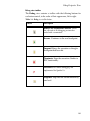
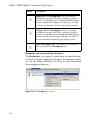
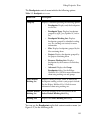
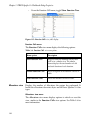
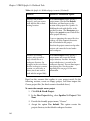
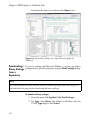
Breakpoints view toolbar
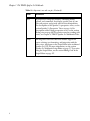
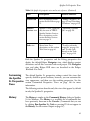
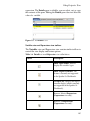
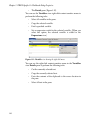
The Breakpoints view contains a toolbar to control the view’s
display and feature options.
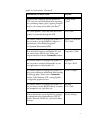
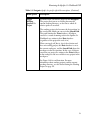
Button
Description
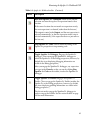
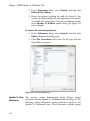
Remove Selected Breakpoints. From the Breakpoints
view, click to remove the selected breakpoint from both the
Debug view and the Breakpoints view.
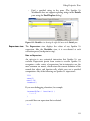
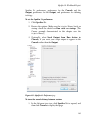
Remove All Breakpoints. From the Breakpoints
view, click to remove every breakpoint from both the
Debug view and the Breakpoints view.
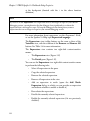
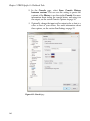
Show Breakpoints Supported by Selected Target.
When toggled off, all breakpoints are displayed. When
toggled on, the Breakpoints view displays only breakpoints
applicable to the selected debug target. For example, if you
had installed a Java package for Eclipse (not included in the
Spotfire S+ Workbench), and you were running a Java
debug session and a Spotfire S+ debug session
simultaneously, you could filter using this feature.
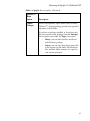
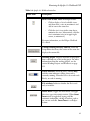
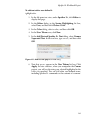
Go to File for Breakpoint. Click to jump to the file and
line number containing the breakpoint currently selected in
the Breakpoints view.
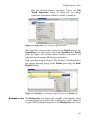
Skip All Breakpoints. Click to disregard but maintain
(that is, not remove or disable) all breakpoints. When this
button is toggled on, all breakpoints appear with a diagonal
slash, as shown in the button.
117