1
7.
Archibus Icons, Filters, Consoles
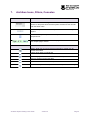
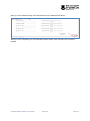
Icons/Filters/Consoles
Function
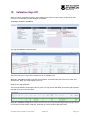
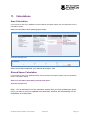
This field acts as a filter, type characters of the name you need to
search on and press enter and the system will return those records
with the same name
This icon expands or retracts data panels. Click on this icon if you
require
Click on the ellipsis to open a table to open search function or acts as
drop down list
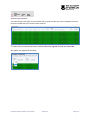
Click the next link to move to the next page. This details that there
are multiple pages of data.
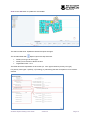
Floor Plan Icon
Function
Select: Float over a room to retrieve information, double click for
further information
Clears Zoom back to original size
Zoom: Highlight and zoom into selection of floor plan
Zoom In: Zooms into the floor plan
Zoom Out: Zooms out of the floor plan
Isometric: Projects the floor plan on a different plan for 3d viewing
Archibus Space Editing User Guide
Version 2
Page 9