1
63
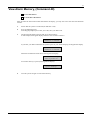
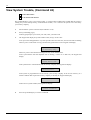
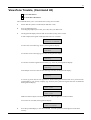
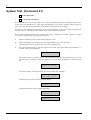
Auto-Forward On/Off, (Command 82)
I have this feature.
I do not have this feature.
This feature allows you to turn on or off the auto-forward feature as necessary. The auto-forward On
sequence forwards all incoming calls to the telephone number of your choice when you turn the system All
On. The auto-forward off sequence cancels the forwarding of incoming calls to the telephone number of
your choice when you turn the system off.
1.
Press [Command] [8] [2].
If the keypad prompts you to enter your code, enter your PIN Code.
2.
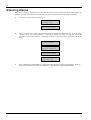
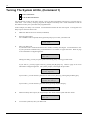
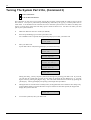
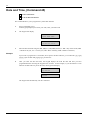
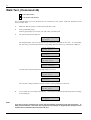
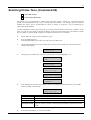
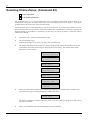
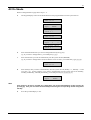
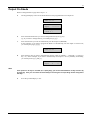
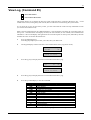
The keypad display will scroll:
Auto-Forward
is On.
press 2 to turn
Auto-forward off
To exit,
Command.
press
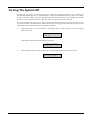
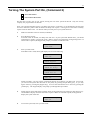
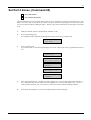
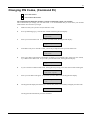
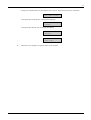
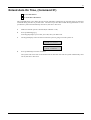
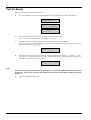
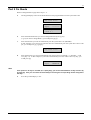
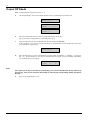
If the auto-forward is already off, the keypad display will scroll:
Auto-Forward
is off.
Press 1 to turn
Auto-Forward On
To exit,
press Command.
Users Guide
3.
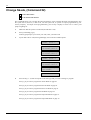
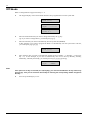
Press [2] to toggle auto-forward on, or, press [1] to toggle auto-forward off.
4.
Press the [Command] key to exit this command.
22/09/2004