1
WAN Service
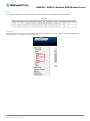
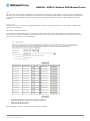
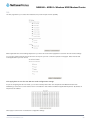
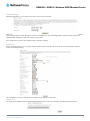
This screen provides a summary of the current WAN interfaces you have configured. If you have connected the NB604N to an
ADSL connection through the ADSL Quick Setup interface, details of the connection will be summarized here. You can also add or
remove WAN Services.
To remove a currently configured WAN Service, Click the remove checkbox corresponding to the chosen service and click Remove.
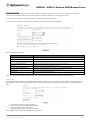
To create a new WAN Service connection:
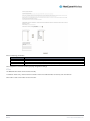
1. Click Add.
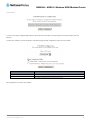
2. Select a currently unused ATM interface
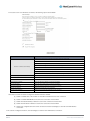
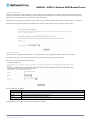
3. Select the connection type and enter a description for the WAN Service.
4. Select to enable IPv6 support for the connection (if needed).
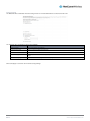
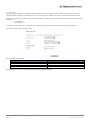
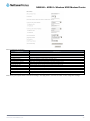
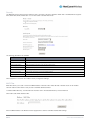
5. Enter the connection settings applicable for the connection type.
NetComm NB604N – ADSL2+ Wireless N300 Modem
21
Router
YML604X
www.netcommwireless.com