1
en
Deactivating the timer
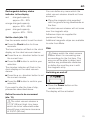
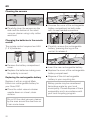
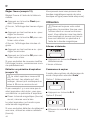
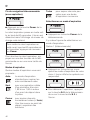
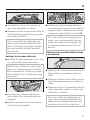
^ Press the + or - direction button to set
the minutes you want.
^ Press the OK button to confirm your
selection.
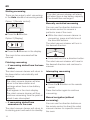
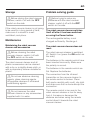
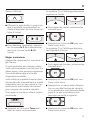
^ On the remote control, press the button for the vacuuming mode you want
or the direction buttons until the
symbol for the vacuuming mode you
want flashes.
^ Press the OK button to confirm your
selection.
The settings will be displayed for
approx. three seconds.
The robot vacuum cleaner will now start
to vacuum at the same time each day.
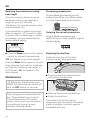
The Timer indicator m lights up to
show that the timer has been
activated.
To alter the entries, proceed as
described previously.
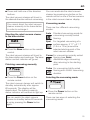
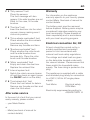
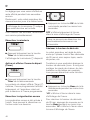
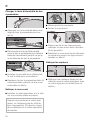
^ Press the Timer button on the remote
control briefly.
The Timer indicator m will go out.
Activating the timer / displaying a set
start time
^ Press the Timer button on the remote
control briefly.
The Timer indicator m lights up, the set
start time is shown briefly and the robot
vacuum cleaner will start vacuuming at
the set start time.
Deactivating the acoustic signals
The acoustic signals are activated as
standard. You can deactivate and then
reactivate them.
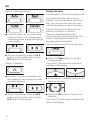
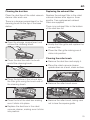
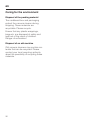
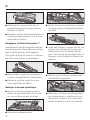
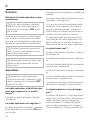
^ Press the OK button on the remote
control for at least three seconds.
OFF will appear briefly in the clock
display.
Acoustic signals for fault messages
cannot be deactivated.
17