1
8.6
e e v a Multimedia Message (MMS)
M
s
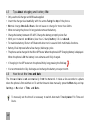
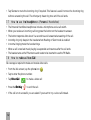
How to receive
and save
an attachmentt
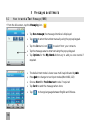
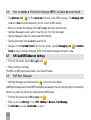
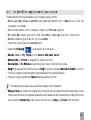
• The envelope
en
icon
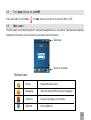
a indicates a new MMS message. The message
m s e alert
er
on the statuss bar
ib a activate depending on the current profile
f setting.
tonee and vibrate
a
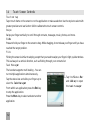
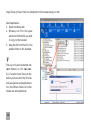
• When you receive the message, the Taskk Manager
will open automatically.
a
g to view it and to clear the icon from the Statuss bar.
• Tap Ne w Message
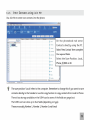
• Tap the message to view the content and attachment(s).
a e to save the file
• Tap the attachment and tap Save
s g
icon
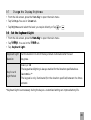
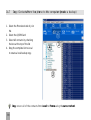
• Navigate to the Handset
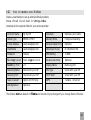
et Inboxx (From the idle screen, tap the Messaging
> Handset
a d
Inbox
Inbox)
x to view all received messages. Scroll to the desired message and tap it to view.
8.7
.
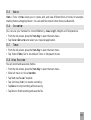
MMS and
a d SMS
S S Advanced
Settings
dv
e t
gin icon
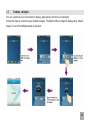
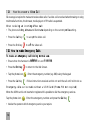
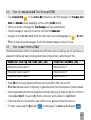
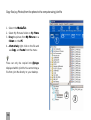
• From the idle screen, tap the M
Messaging
s
• Slide up and tap Settings.
The MMS and SMS settings are preset by your Service Provider.
.
8.8
P
e
WAP Push
Messages
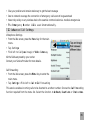
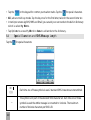
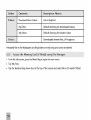
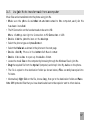
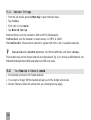
• WAP Push Messages are indicated by the
icon on the main display.
A WAP push message is a formatted SMS that displays a message to the user, giving the option of connecting
directly to a particular URL via the mobile phone’s WAP browser.
g n icon
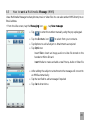
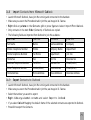
• From the idle screen tap the M
Messaging
.
et tings > Tap MMS Set
tin
M ssage
s g
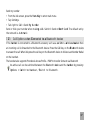
• Slide up and tap SSettings
Setti
Rec
eceiv
eive P ush
Mes
s Me
e tings
n >R
c
te to reject.
• Set Activate
c
te to accept, Deactivate
42