1
9.9
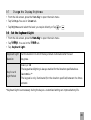
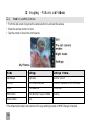
e Keylock Timeout
o
Set
M n Key
K y to open the main menu.
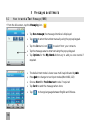
• From the idle screen, press the Menu
in You are in the Scree en tab.
• Tap Sett ings.
• Tap K eylocc k Time o ut.
e
• Set your desired time from the available choices — 10 sec, 15 sec, 30 sec and 60 sec.
K y
r Forbidden
o bid
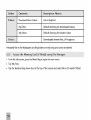
With Keyguard
the handset will not auto keylock. Press the keylock button at the top of
the handset to manually engage keylock.
1
9.10
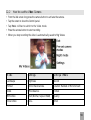
e Touc h Scree en CCal
i
Set
alibr ation
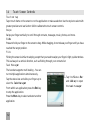
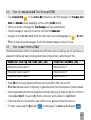
To improve touch screen accuracy it is recommended to perform calibration.
M n Key
K y to open the main menu.
• From the idle screen, press the Menu
s You are in Scre
c e n tab.
• Tap Settings.
u h Scre
c en Calibr ation.
io
• Slide up and tap Touc
• Follow the instructions on screen to calibrate the touch screen.
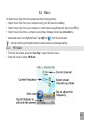
1 Addd Idle
d l Greeting
tn
9.11
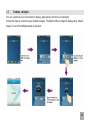
M n Key
K y to open the main menu.
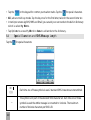
• From the idle screen, press the Menu
s You are in Scre
c e n tab.
• Tap Settings.
I
in
• Slide up and tap Idle
Greeting.
• Enter your required text and tap OK when done.
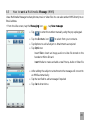
t e The Idlee Greeting
in is displayed on the idle screen.
Note
50