1
User Manual
⊙GOLF mode
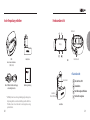
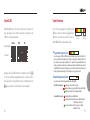
■Acquiring satellite signal and commencing play
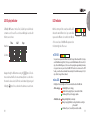
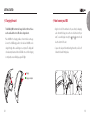
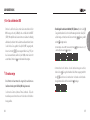
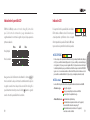
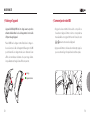
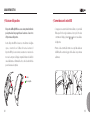
When the GOLF menu option is displayed, press and hold the
button
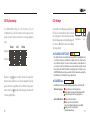
to enter golf GPS mode. The unit will then begin to search for GPS satellite
reception, which is shown in (Fig. A). The orange LED will flash while your
BB5 searches for a signal. Once the signal is found, the green LED will begin
to flash at 10-second intervals, and the display will begin to locate the golf
course (Fig. B). Once your golf course is found, the display will direct you to
move to the tee box (Fig. C)
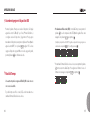
(Fig. A)
(Fig. B)
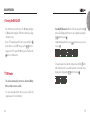
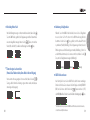
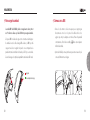
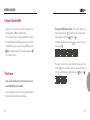
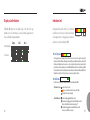
Once you move to your tee box, your BB5 will begin to
display the distance information for that hole. First, the
display will indicate the hole number (Fig. D). This screen also
shows if the unit is reading left or right green if applicable,
and the par of the hole is indicated by the number of LEDs
lit on the right hand side of the display.
16
(Fig. C)
(Fig. D), (Hole #2 /
Right green / P4)
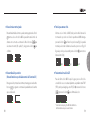
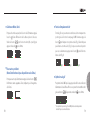
■Distance Information to the Green
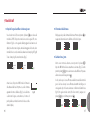
The display will then move to the distance screen. Press the
move distance reading from Center, front, and back.
button to
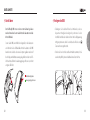
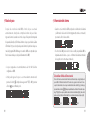
■Changing holes/greens
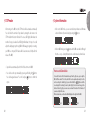
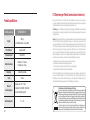
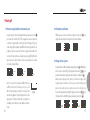
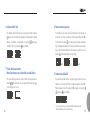
While displaying the distance, press and hold the
button. The BB5 will
display the hole currently in play (Fig G.) By pressing the
buttons, you
can select a different hole, then press to move to the selected hole.
Some courses have an option to play either the left or right green on a certain
hole. If the hole you’re playing has this option, it will appear after the Hole
Change function is used (Fig. H). Press the
button to select Left (L) or
Right (R) green, then press the button.
(Fig. G)
(Fig. H)
17