1
Intelimax LITE User Manual
V1.1
Serial Configuration
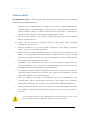
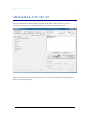
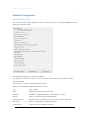
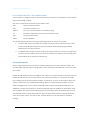
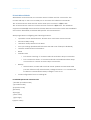
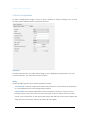
The serial configuration page is used to configure all serial settings for the modem.
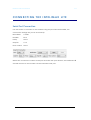
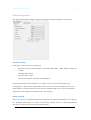
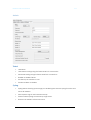
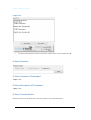
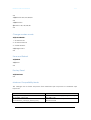
Serial Port Setup: Serial port setup includes the following
Baud rate (the modem supports 1200, 2400, 4800, 9600, 19200, 38400, 57600 and
115200)
Data Bit (7Bit or 8bit)
Stop bit (1bit or 2bit)
Flow Control (None, Software or Hardware)
Serial port speed setup should be set to match host (connected via serial port)
configuration. With certain applications there may be a need to fabricate a custom
serial cable to work between the host and the Intelimax LITE. The custom serial cable
depends on the equipment requirements and settings.
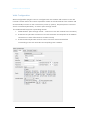
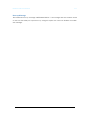
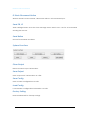
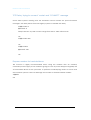
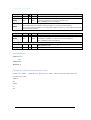
Modem Config: These are the AT commands that will be applied to modem after power up or reboot.
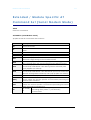
For detailed information on these commands, please refer to “Extended/Module
Specific AT Command Set (Serial Modem Mode)”.
20