1
Operation Manual – Configuration Examples
U-SYS SoftX3000 SoftSwitch System
Chapter 5 Specialized Configurations
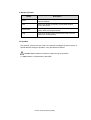
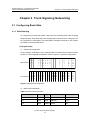
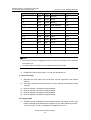
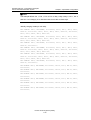
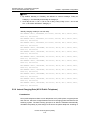
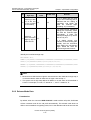
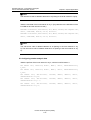
Note:
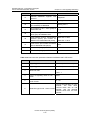
z
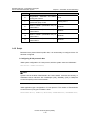
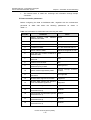
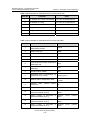
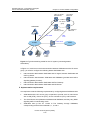
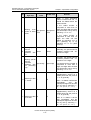
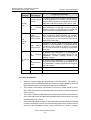
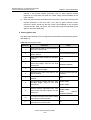
For the basic frame, the EPIIs' clock sources are the active CKII in Slot 13 and the
standby CKII in Slot 15 by default. The configuration is fixed and cannot be
modified.
z
For the expansion frame A, the EPIIs' clock sources are the active EPII in Slot 0 and
the standby EPII in Slot 1 by default. The configuration is in accordance with the
actual clock distribution and you need not modify it.
z
For the expansion frame B, the EPIIs' clock sources are the active EPII in Slot 14
and the standby EPII in Slot 15 by default. The configuration is not in accordance
with the actual clock distribution and you need modify it. Otherwise, the EPIIs will
not be working normally.
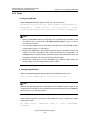
IV. Commissioning guideline
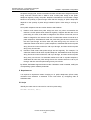
After completing the preceding configurations, check the clock system following the
steps below.
1)
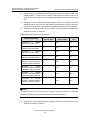
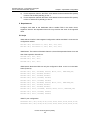
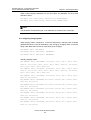
Check the state of the clock Phase-Locked Loop (PLL) circuits on the CKIIs.
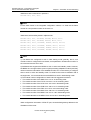
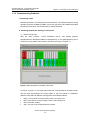
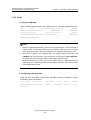
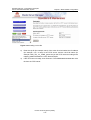
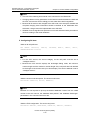
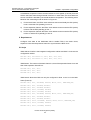
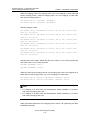
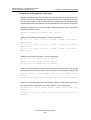
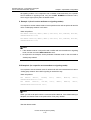
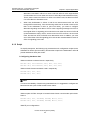
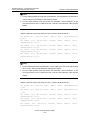
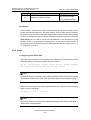
Carry out the DSP CLKPH command on the U-SYS SoftX3000 Client to check whether
the clock PLL circuits on the CKIIs are normal.
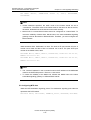
z
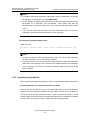
If the client displays "Trace Mode", it means that the clock PLL circuits can
normally trace the BITS clock.
z
If the client displays "Free Run", it means that the clock PLL circuits cannot
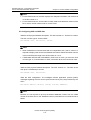
normally trace the BITS clock. In this case, carry out the LST CKICFG command
to check such parameters as clock level, work mode, BITS1 priority, BITS2 priority,
BITS1 clock source type and BITS2 clock source type.
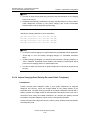
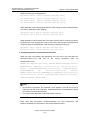
2)
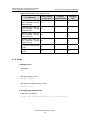
Check the state of the clock of the EPIIs.
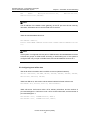
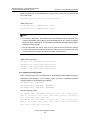
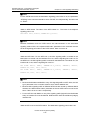
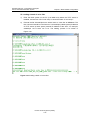
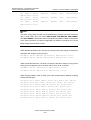
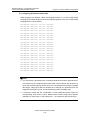
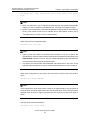
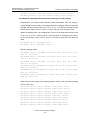
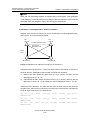
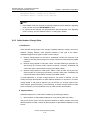
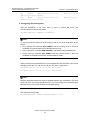
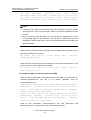
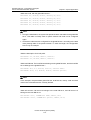
Carry out the DSP CLKSTAT command to query the state of the clock of the EPIIs
which work as clock sources in expansion frames. If the clock is abnormal, carry out the
following operations:
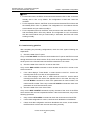
z
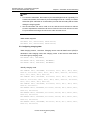
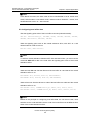
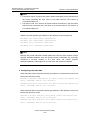
Carry out the LST CLKSRC command to check the clock sources of each EPII.
z
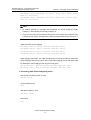
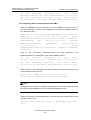
If clock data configuration is correct, check the clock distribution in SoftX3000.
z
If both clock data configuration and clock distribution are correct, check whether
the EPIIs which work as clock sources are working normally.
Huawei Technologies Proprietary
5-4