1
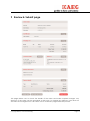
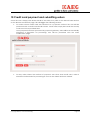
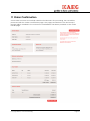
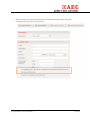
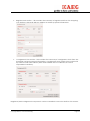
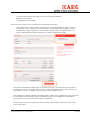
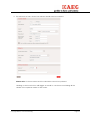
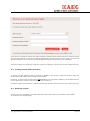
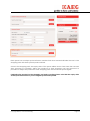
10 Credit card payment and submitting orders Once the user is happy with all the details of the order, they click on the Submit Order button on the Review and Submit page. This will trigger the following actions: For orders where credit card was selected as a payment method the user will be presented with a credit card details screen. Credit card, expiry date and the security code need to be provided here. Once payment has been processed by payment gateway, order will be automatically submitted to Electrolux for processing. User will be presented with the order confirmation page. For any order where the method of payment was other than credit card, order is submitted to Electrolux for processing as soon as the Submit button is clicked. Copyright © 2014, Orchard Marketing Page 20