1
DIGITAL
VIDEO
SURVEILLANCE
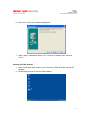
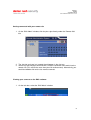
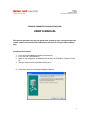
2. Click on the ‘Remote Sites’ bar and select your site name.
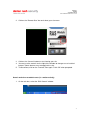
3. Click on the ‘Connect’ button to start viewing your site.
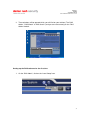
4. You may use the controls on the right of the window to change or use installed
features (Some features may not apply to the site).
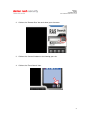
5. To disconnect, click on the ‘Connect’ icon again. Click ‘OK’ when prompted.
Search and view recorded events (i.e. motion activity)
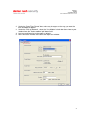
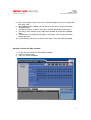
1. On the task bar, select the ‘RAS Search’ window.
7