1
Language
Language
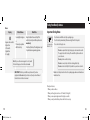
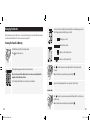
The countdown appears on the display as the meter checks your β-Ketone level.
Note: Do not remove the test strip from the meter or disturb the test strip during the
countdown.
Language
Language
Language
ART20287_Rev-B.indd 19-20
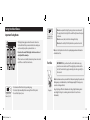
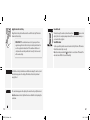
Hold the blood drop to the white area until the meter beeps (if sound is on) and
the status bar appears on the display. This indicates the test strip obtained
enough blood.
Language
Language
19
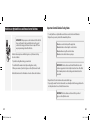
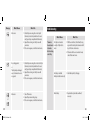
IMPORTANT: If the countdown does not start, you may not have
applied enough blood to the test strip. See test strip instructions for
use for re-application instructions. If the countdown still does not
start, remove the used strip and discard it correctly. Start a new test
with a new test strip.
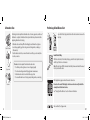
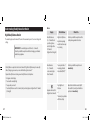
View the Result
appears on the
The meter beeps (if sound is on) when the result and display. The test is complete (example shown). The result is stored in memory or
you can write it in a logbook.
Turn Off the Meter
Use the opened foil packet to remove the used test strip. This turns off the meter.
Discard the used test strip correctly.
Note: You can also press and hold for at least 2 seconds to turn off the meter. The
meter also turns off after 60 seconds of inactivity.
Language
Apply Blood to the Test Strip
Bring the blood drop to the white area at the end of the test strip. The blood is
drawn into the test strip.
20
3/8/13 11:39 AM