1
USER GUIDE: 3. USING NETASQ EVENT REPORTER
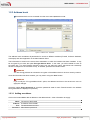
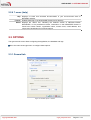
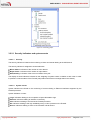
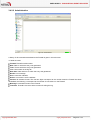
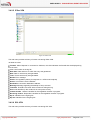
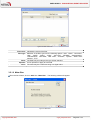
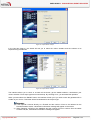
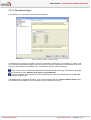
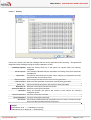
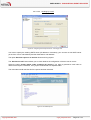
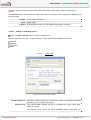
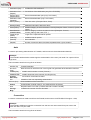
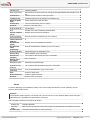
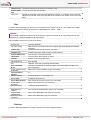
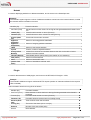
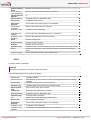
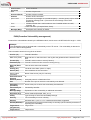
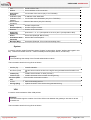
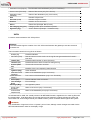
Figure 38: Filter constructor
Filter name
Filter type
Fields
Operator
Value
Indicates the name of the filter
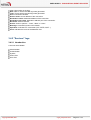
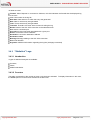
Selection of the filter type from the following options: “web”, “alarm”, “connection”,
“filter”, “SMTP”, “Plugin”, “POP3”, “SSL VPN”, “SEISMO”, “Authentication”,
“Administration”, “NAT stats”, “filter stats”, “Counters”, “System”, “IPSec VPN”,
“Monitor”, “FTP”.
The fields vary according to the type of filter selected.
List of operators to apply to each field.
The value may be a character string or a digital value.
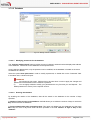
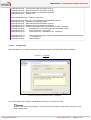
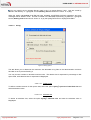
3.5.1.2 Meta-filter
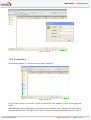
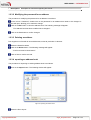
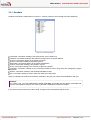
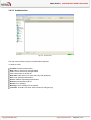
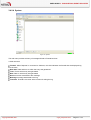
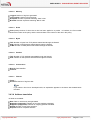
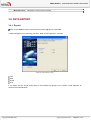
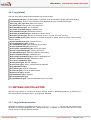
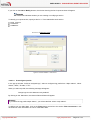
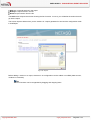
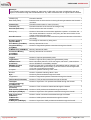
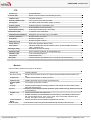
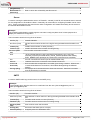
From the list of filters, click on “Add” then “Meta-filter”. The following window will appear:
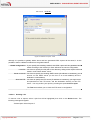
Figure 39: Meta-filter
Copyright NETASQ 2009
engde_nereporter-v8.0.3
Page 56 / 118