1
G4 Software
Chapter 3
How to Set UP TCP/IP Communications
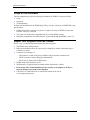
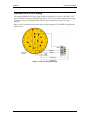
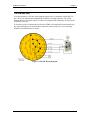
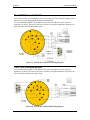
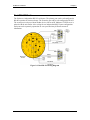
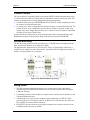
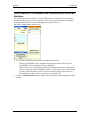
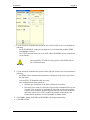
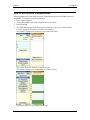
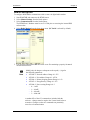
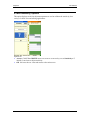
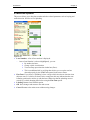
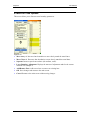
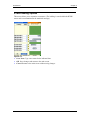
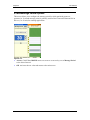
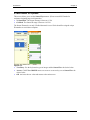
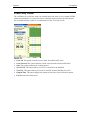
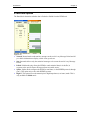
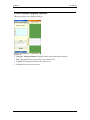
To set up the RTMS TCP/IP Interface
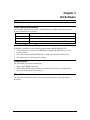
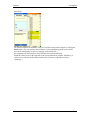
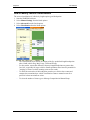
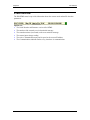
1. Connect RTMS to the PC. The PC's Network Port Link and Activity Indicator lights
indicate power and connection.
2. Use a crossover (Null) cable if communication is not established.
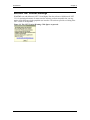
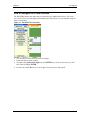
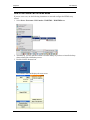
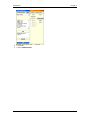
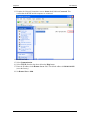
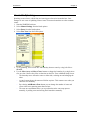
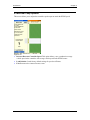
3. Open the Windows® Control Panel.
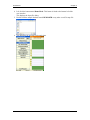
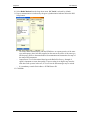
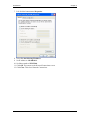
4. Double click the Network Connections icon.
3-14
© 2009 ISS Canada
G4 User Manual