1
Recording pictures (advanced)
Recording pictures (advanced)
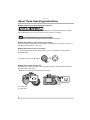
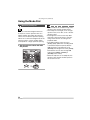
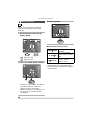
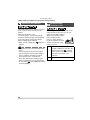
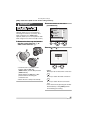
Using the Mode Dial
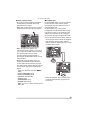
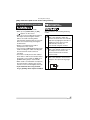
Aperture-priority AE
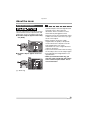
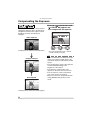
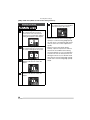
When you want the background to be in
sharp focus, set the aperture value to a
higher number. The higher the aperture
value is the smaller the aperture opening
will be. For a soft focus background, set the
aperture value to a lower number which
corresponds to a larger aperture opening.
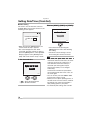
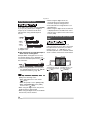
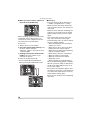
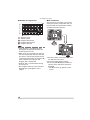
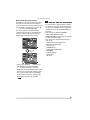
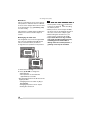
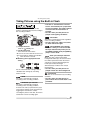
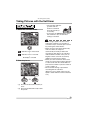
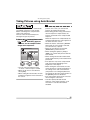
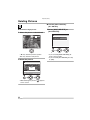
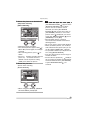
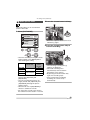
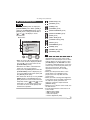
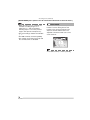
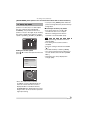
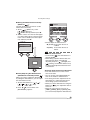
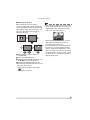
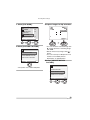
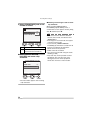
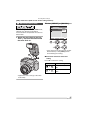
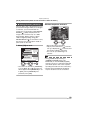
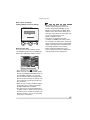
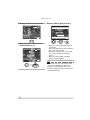
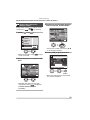
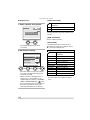
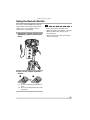
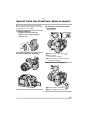
1 Set the aperture value and take
the picture.
ISO100
5
F2.8
64
VQT0R81
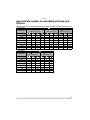
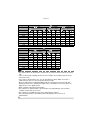
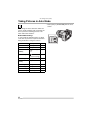
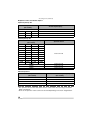
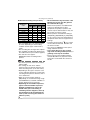
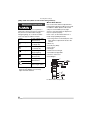
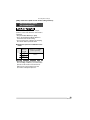
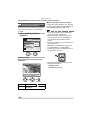
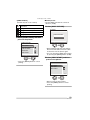
• Refer to P68 for the available range of the
aperture value and the shutter speed.
• If the subject is too bright, set to a larger
aperture value, if too dim, set to a smaller
aperture value.
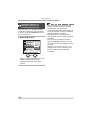
• The brightness of the screen may differ
from that of the actual pictures. Check it
using review function or setting to the
playback mode.
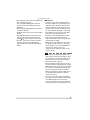
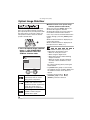
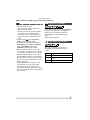
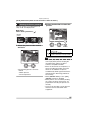
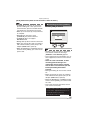
• The ISO sensitivity cannot be set to
[AUTO]. (P84) (When the recording mode
is switched to Aperture-priority AE, the
ISO sensitivity is automatically set to
[ISO100] even though it was set to [AUTO]
beforehand. You can also change ISO
setting from [ISO80], [ISO200] or
[ISO400] on the menu.)
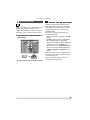
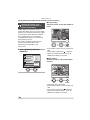
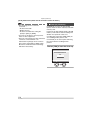
• When the exposure is not adequate, the
aperture value and the shutter speed on
the screen turn red.