1
IDE M enu Refer en ce
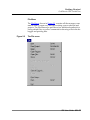
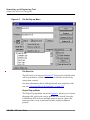
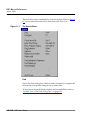
File Menu
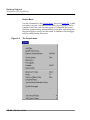
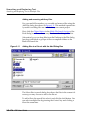
Open
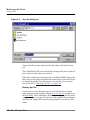
Allows you to open an existing text Þle.
To learn more about this command, refer to ÒOpening Files with the
File MenuÓ on page 102.
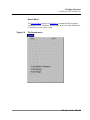
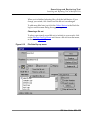
Open Recent
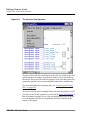
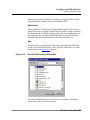
The Open Recent command exposes a submenu of projects and Þles
that have recently been opened. You may choose a Þle from the submenu to instantly open one of these items.
To learn more about this command, refer to ÒOpening Files with the
File MenuÓ on page 102.
Open File
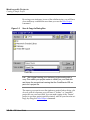
This menu item opens a text or project Þle.
To learn more about this command, refer to ÒOpening Files with the
File MenuÓ on page 102.
Open Selection
This menu item allows you to open an existing text Þle, using the
currently-selected text in the editor window as the target Þle name.
This menu item toggles between Open FileÉ and Open Selection.
Open Selection appears only when text is selected in the active editor window.
See ÒOpening Files with the File MenuÓ on page 102 for more information.
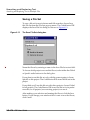
Close
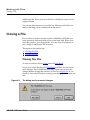
Closes the active window whether it is the Project window, the Message Window, or a source code window.
See ÒClosing a FileÓ on page 112 for more information.
IDE User Guide UG–309