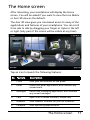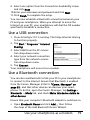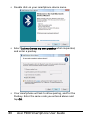
1
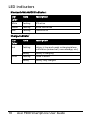
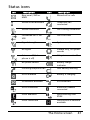
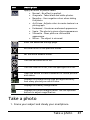
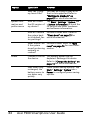
Icon
Description
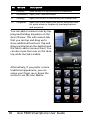
Icon
Synchronizing over
HSDPA/HSUPA
Description
HSDPA/HSUPA
connected
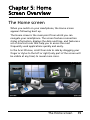
Return to the Home screen
You can return to the Home screen from any application by
tapping Start > Today.
Customize basic settings
Set the date and time
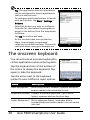
To set the date and time, tap Start >
Settings > System tab > Clock & Alarms
> Time tab.
Tap Home and select your time zone
from the drop-down menu. Set the time
by tapping the up and down arrows.
Select the date from the drop-down calendar.
When you have finished, tap OK. A confirmation message will appear. Tap Yes
to save your settings.
Personalize your smartphone
You can enter your personal information to easily identify
your smartphone. This is especially useful if it should ever be
lost or stolen. To enter owner information, tap Start > Settings
> Owner Information.
42
Acer F900 Smartphone User Guide