1
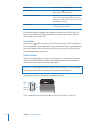
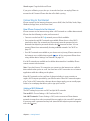
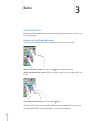
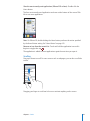
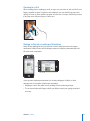
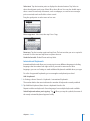
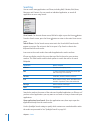
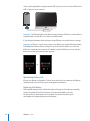
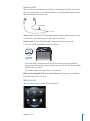
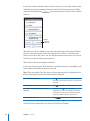
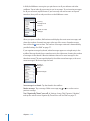
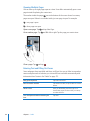
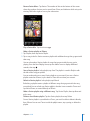
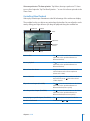
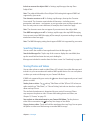
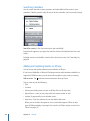
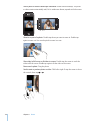
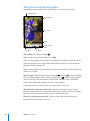
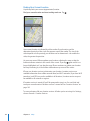
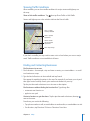
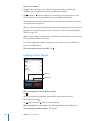
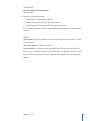
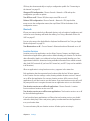
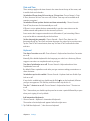
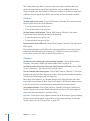
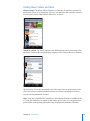
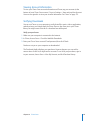
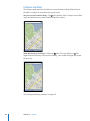
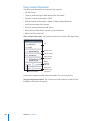
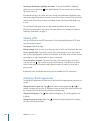
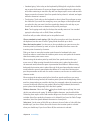
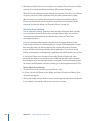
Tap Voicemail to see a list of your messages.
<UOLHYK
TLZZHNLZ
7SH`7H\ZL
:WLHRLYWOVUL(\KPV
^OLUH)S\L[VV[OKL]PJL
PZJVUULJ[LK;HW[V
JOVVZLH\KPVV\[W\[
*VU[HJ[PUMV
:JY\IILYIHY
:RPW[VHU`WVPU[PU
HTLZZHNL!+YHN[OL
WSH`OLHK
9L[\YU[OLJHSS
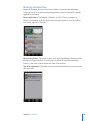
Listen to a message: Tap the message. (If you’ve already heard the message, tap the
message again to replay it.) Use and to pause and resume playback.
Once you listen to a message, it’s saved until your carrier erases it.
Check voicemail from another phone: Dial your own number or your carrier’s remote
access number.
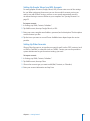
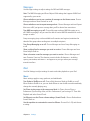
Deleting Messages
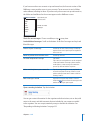
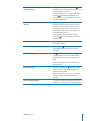
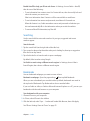
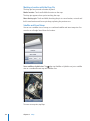
Select a message, then tap Delete.
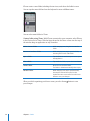
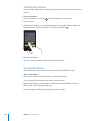
Listen to a deleted message
Tap Deleted Messages (at the end of the list),
then tap the message.
Undelete a message
Tap Deleted Messages (at the end of the list),
then tap the message and tap Undelete.
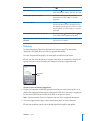
Delete messages permanently
Tap Deleted Messages (at the end of the list),
then tap Clear All.
Note: In some countries or regions, deleted visual voicemail messages may be
permanently erased by your carrier.
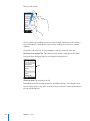
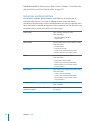
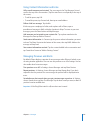
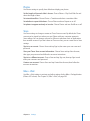
Getting Contact Information
Visual voicemail saves the date and time of the call, the length of the message, and
any available contact information.
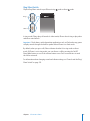
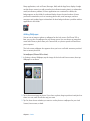
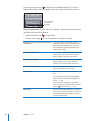
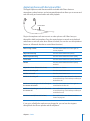
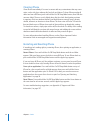
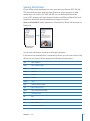
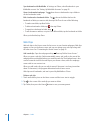
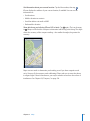
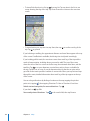
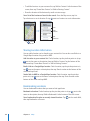
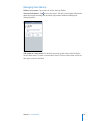
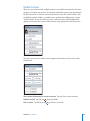
See a caller’s contact information: Tap
next to a message.
You can use the information to email or text the caller, or update contact info.
Chapter 5 Phone
69