1
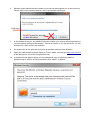
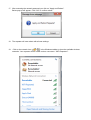
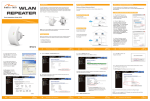
17. After entereing the network password you click on “Apply and Reboot”.
Below pop-up will appear. Click “OK” to confirm reboot.
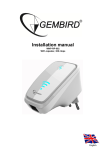
18. The repeater will now reboot with all new settings.
19.
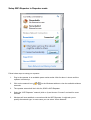
Click on the network icon (
of
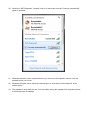
) in the Windows taskbar to view the available wireless
networks. Your repeater will be visible under a new name: “WiFi-Repeater1”.