1
Home Page
Table of Contents
Group
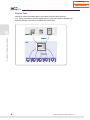
This function allows the users in the same group to listen to what you say so that your station can
be included in a specific station group or excluded from the group.
Including/Excluding a Group
This function allows you to include your station in a specific group or exclude the station from a
group.
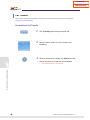
Including a Group
1.
2.
3.
122
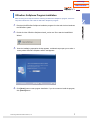
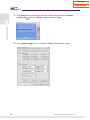
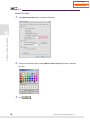
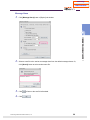
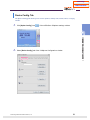
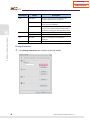
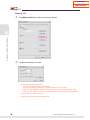
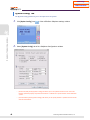
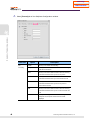
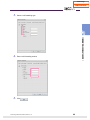
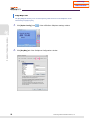
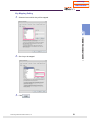
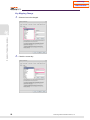
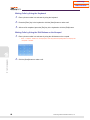
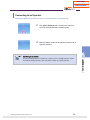
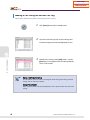
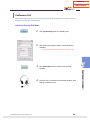
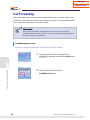
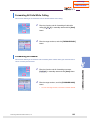
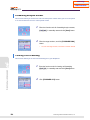
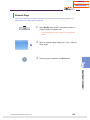
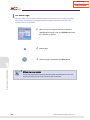
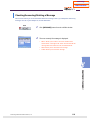
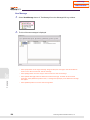
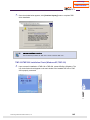
Select [IN/OUT GROUP] button from the <Soft Menu>
window in a standby state.
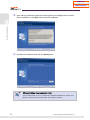
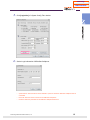
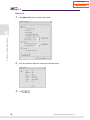
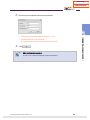
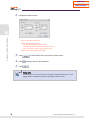
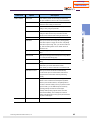
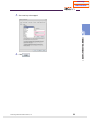
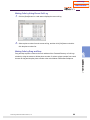
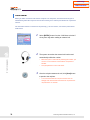
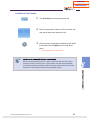
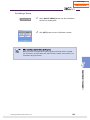
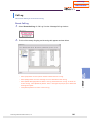
Enter a group number to which your station will be
included.
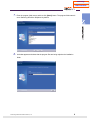
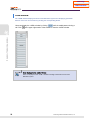
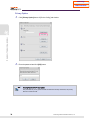
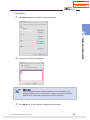
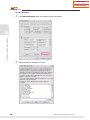
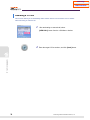
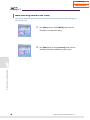
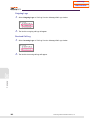
Click [ON] button from the <Soft Menu> window.
© Samsung Telecommunications America, L.P.