1
www.homewizard.eu
HWEYE01x User Manual
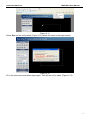
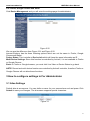
Operator”. Click the Vertical patrol button, the camera will patrol the rounds vertically you set and
then stop if you don’t click Stop vertical patrol button.
Note: Patrol rounds horizontal/vertical has no relation with the rotation rounds that camera
reboots.
3.15 Upgrade Device Firmware
When you upgrade the camera, please upgrade system firmware first and then upgrade the Web
UI.
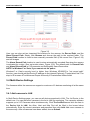
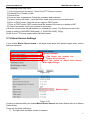
Figure 3.35
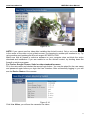
Click Browse, choose the correct bin file and then click Submit to upgrade.
Don’t shut down the power during upgrade until the IP camera tool finds the camera again.
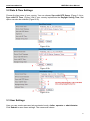
3.16 Backup & Restore Settings
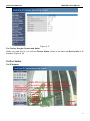
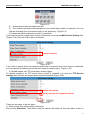
Click Submit to save all the parameters you have set. These parameters will be stored in a bin
file for future use. The bin file can be reloaded to restore the parameters that were set.
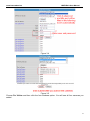
Figure 3.36
3.17 Restore Factory Settings
All parameters will return to factory settings if selected.
40