1
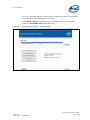
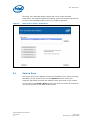
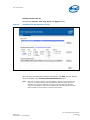
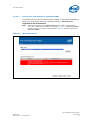
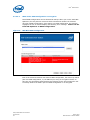
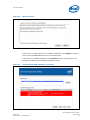
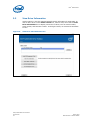
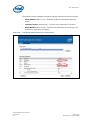
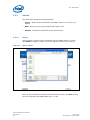
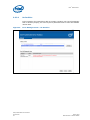
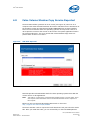
Intel SSD Toolbox 3.2.2.4.2 SSDs with a RAID Configuration or Encryption Not all RAID configurations can be detected at startup. When you run the Intel SSD Optimizer, the tool performs a second check to determine whether the selected drive has a RAID configuration. If the SSD is in a RAID configuration, the program highlights the row in red and displays the following error message: Cannot run the Intel SSD Optimizer on RAID configurations. Figure 15. SSD With RAID Configuration Even if the second check does not detect a RAID configuration, the drive may still be part of a RAID configuration, or, the SSD may be using an encryption scheme. In this case, the Intel SSD Toolbox displays the following screen and prompts the user to identify whether the SSD is part of a RAID configuration or is encrypted. Intel® Solid-State Drive Toolbox Users Guide 22 March 2010 Order Number: 320316-002US