1
ADSL2/2+ Router
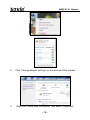
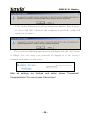
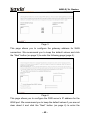
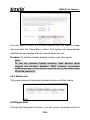
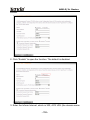
Then click the “Apply/Save” button on the above screen to save the
parameter.
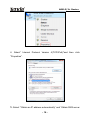
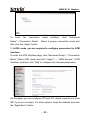
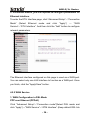
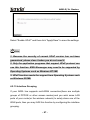
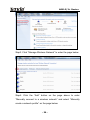
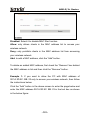
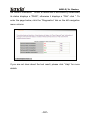
Select “Allow” on the page below:
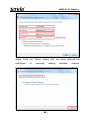
Example 2: If you want to prohibit the PC with MAC address of
00:c2:a5:67:d4:23 only from accessing your wireless network, then
follow the instructions below:
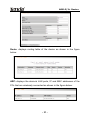
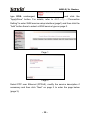
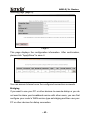
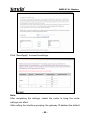
1.
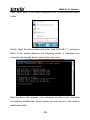
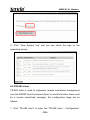
Enter the Wireless--MAC filter page and
enter
the
page
below
and
enter
click the “Add” button to
the
MAC
address
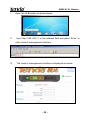
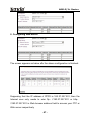
00:c2:a5:67:d4:23 in the text box as shown in the below figure:
- 102 -