1
User’s Manual (Confidential)
OsteoSys Co., Ltd.
Model Designation : SONOST-2000
DOC. No. : OT01-2R0422-02-MUL
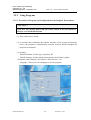
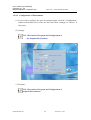
3.2.2.4 Revision & Deletion of Patient’s Information
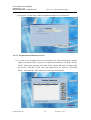
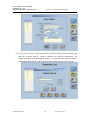
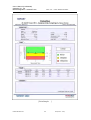
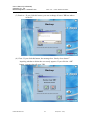
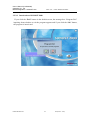
(1) If you want to revise the registered patients’ information, select a desired patient
using the mouse and click the “Info Change” button in the “Patients List” screen.
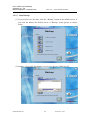
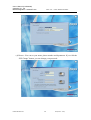
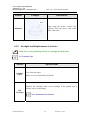
(2) Then the “Patient’s Info Change” screen appears, in this condition, if you enter
a new value to make desired changes in the patient’s information and click the
“OK” button, the patient’s information is revised. The changeable patient’s
information refers to name, date of birth, gender, height, weight, race,
menopause state, foot size and so on.
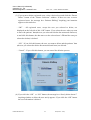
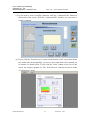
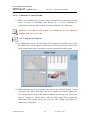
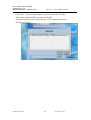
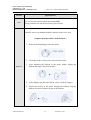
(3) If you want to delete the registered patients’ information, select a desired patient
using the mouse in the “Patients List” screen. You can select several patients at
the same time. To do so, click those patients while pressing the Ctrl key or if
you want to select all patients within a certain, click the first and the last line of
the area while pressing the Shift key.
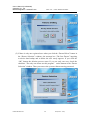
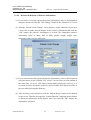
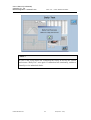
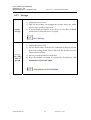
(4) After selecting a desired patient, click the “Patient Delete” button on the bottom
of the screen. Then the message box “Patient Deletion” inquiring about whether
to delete the information surely appears and if you click the “OK” button, the
information is deleted.
OT00-2F0423-01
38
A4(210 × 297)