1
30
Write text
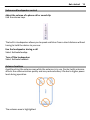
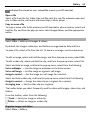
11 Enter - Move the cursor to the next row or text input field. Additional functions
are based on the current context (for example, in the web address field of the
web browser, it acts as the Go icon).
12 Input mode - Select the input method. When you tap an item, the current input
method view closes, and the selected one opens.
Handwriting
The input methods and languages supported by the handwriting recognition vary by
region and may not be available for all languages.
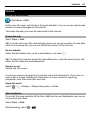
To activate handwriting mode, select
> Handwriting.
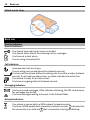
Write legible, upright characters on the text input area, and leave a space between
each character.
To teach the device your handwriting style, select
option is not available for all languages.
> Handwriting training. This
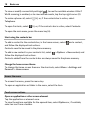
To enter letters and numbers (default mode), write words as you would normally. To
select number mode, select . To enter non-Latin characters, select the
corresponding icon, if available.
To enter special characters, write them as you would normally, or select
desired character.
and the
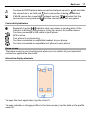
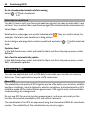
To delete characters or move the cursor back, swipe backwards (see Figure 1).
To insert a space, swipe forwards (see Figure 2).