1
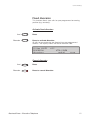
Information
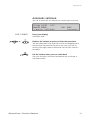
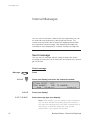
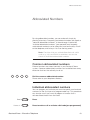
When the information is activated, the Message/Info lamp shows
a steady light. If a message arrives, the lamp starts flashing, see
section “Check and store received messages”.
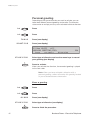
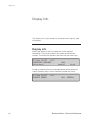
12 May 10:35
+15°
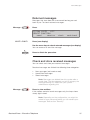
ABSENCE INFORMATION FOR:
pre-text
voice
200
free-text
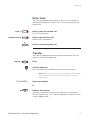
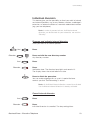
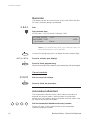
Select ”Pre-defined text”, ”Voice” or ”Free text information”
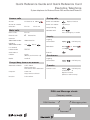
Pre-defined texts
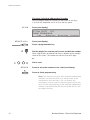
pre-text
next-info
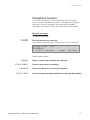
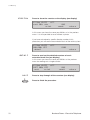
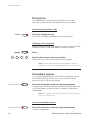
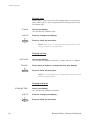
Press (see display)
Select appropriate info using next-info (see display)
Enter ”Completing info” from the table below
If you do not know the time of return, just activate.
Code
Time of return
Date of return
Lunch
Meeting
Vacation
Illness
1
2
3
4
5
6
Completing info
hour (00-23) minute (00-59)
month (01-12) day (01-31)
back at, hour minute
back at, hour minute
back, month day
back, month day
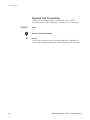
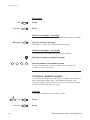
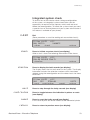
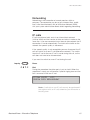
In case of a typing error, press to delete the latest entered digit.
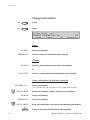
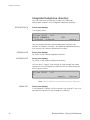
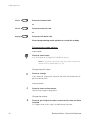
activate
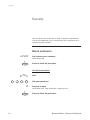
Press (see display)
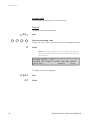
The programmed absence info will be shown in the display.
Internal callers receive the information on the display
(or as spoken information to callers without display phone).
External callers will be routed to the operator who also has
access to your absent info.
Press to finish the procedure
28
BusinessPhone - Executive Telephone