1
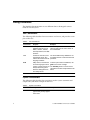
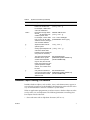
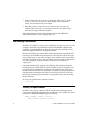
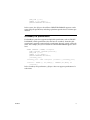
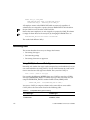
The data definition files you will need are included in the EXAMPLES\TUTORIAL subdirectory of the InterBase directory. They all have file name extensions
of .SQL.
The file, DOMAINS.SQL, contains domain definitions. View this file with
Windows Notepad. The first line in the file is a CONNECT statement followed
by a dummy database name, user name, and password:
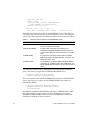
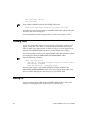
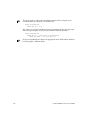
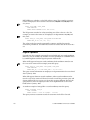
CONNECT "C:/path/mydb.gdb"
USER "myusername" PASSWORD "mypassword"
Important
Every ISQL script file must begin with a CONNECT statement (or a
CREATE DATABASE statement) to connect to a database.
Edit the file and change the database name, user name, and password.
You must make the same changes to the CONNECT statement at the beginning
of all the ISQL script files used in this tutorial. To save time, you can cut and
paste the information from one file to the others.
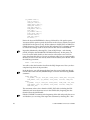
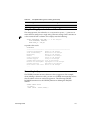
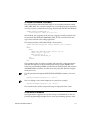
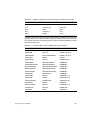
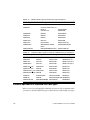
Now look at the rest of the file, DOMAINS.SQL. You will see that it contains a
number of CREATE DOMAIN statements:
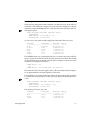
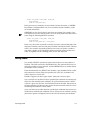
CREATE DOMAIN ADDRESSLINE AS VARCHAR(30);
CREATE DOMAIN PROJNO
AS CHAR(5)
CHECK (VALUE = UPPER (VALUE));
CREATE DOMAIN CUSTNO
AS INTEGER
CHECK (VALUE > 1000);
. . .
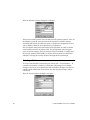
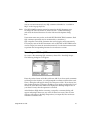
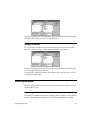
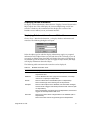
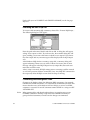
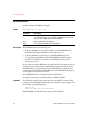
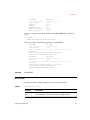
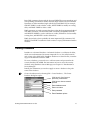
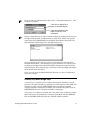
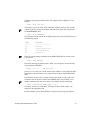
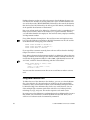
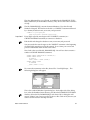
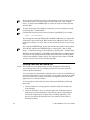
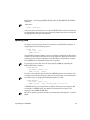
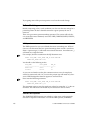
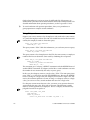
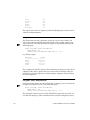
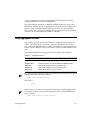
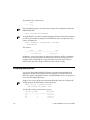
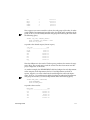
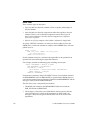
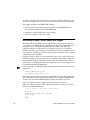
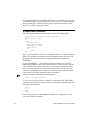
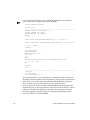
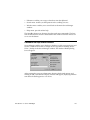
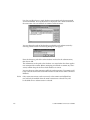
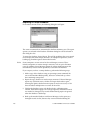
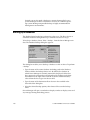
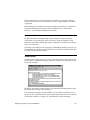
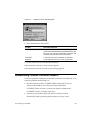
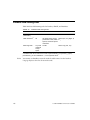
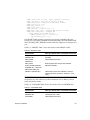
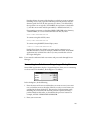
To execute the statements in this file, choose File | Run ISQL Script.... The
following dialog box will appear:
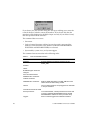
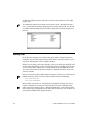
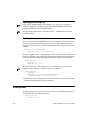
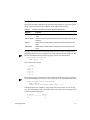
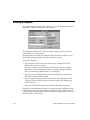
This is the standard Windows Open dialog box. In the right side of the dialog
box, select the InterBase home directory, and then the EXAMPLES\TUTORIAL
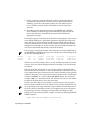
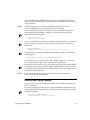
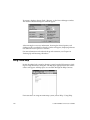
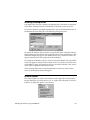
directory. Select the file, DOMAINS.SQL, and choose OK. A dialog box will
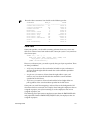
appear, asking if you want to save the results to a file. Click on No, because you
want to see the results in the ISQL window.
Basic Data Definition
89