1
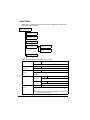
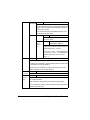
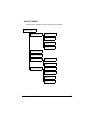
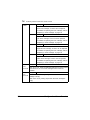
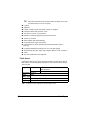
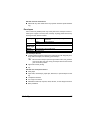
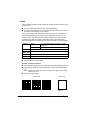
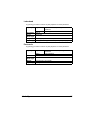
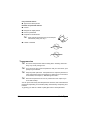
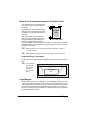
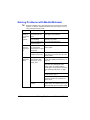
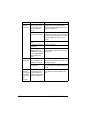
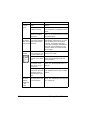
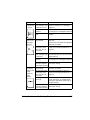
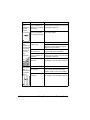
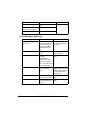
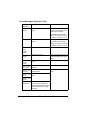
Media Types Before purchasing a large quantity of special media, do a trial print with the same media and check the print quality. Keep media on a flat, level surface in its original wrapper until it is time to load it. For a list of approved media, refer to printer.konicaminolta.com. Plain Paper Capacity Tray 1 Tray 2 Orientation Driver Media Type Weight Duplexing Up to 200 sheets, depending on the paper weight Up to 500 sheets, depending on the paper weight Face up Plain paper 60 to 90 g/m² (16 to 24 lb bond) See page 50 for supported sizes. Use plain paper that is Suitable for plain paper laser printers, such as standard or recycled office paper. Note Do not use the media types listed below. These could cause poor print quality, media misfeeds, or damage to the printer. DO NOT use media that is Coated with a processed surface (such as carbon paper, digitally glosscoated media, and colored paper that has been treated) Carbon backed Unapproved iron-on transfer media (such as heat-sensitive paper, heat-pressure paper, and heat-press transfer paper) Cold-water-transfer paper Pressure sensitive Designed specifically for inkjet printers (such as superfine paper, glossy film, and postcards) Already been printed on by another printer, copier, or fax machine Dusty Wet (or damp) Media Types 51