1
94
Time management
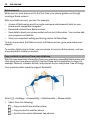
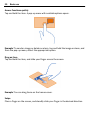
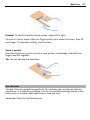
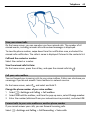
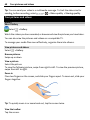
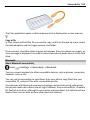
Tip: To increase or decrease the size of the viewable area, place two fingers on the
screen, and slide them apart or together.
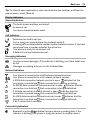
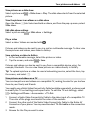
Browse your calendar in different views
Want to see all your calendar events for a particular day? You can browse your
calendar events in different views.
Select
> Calendar.
Select
and the desired view.
Tip: To go to the previous or next day, week, or month, in the appropriate view, swipe
left or right.
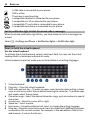
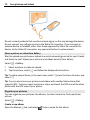
Add a calendar event
> Calendar.
Select
1
2
3
4
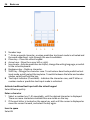
Select (Tap to create event), or if there are existing events, tap the area below
an event. The calendar event type is meeting by default.
Fill in the fields.
To repeat the calendar event at regular intervals, select
and the time interval.
Select Repeat until, and enter the end date.
Select .
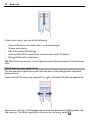
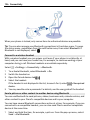
Tip: You can also add a calendar event in the day view. Select and hold the starting
time, and drag the arrows to set the duration.
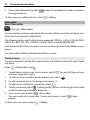
Use separate calendars for work and free time
You can have more than one calendar. Create one for work and another for your free
time.
Select
> Calendar.