1
26
Basic use
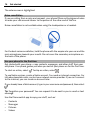
Write text
Enter text with the virtual keyboard
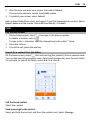
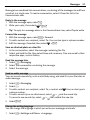
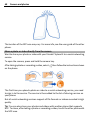
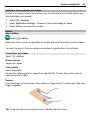
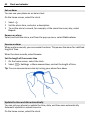
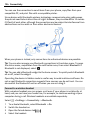
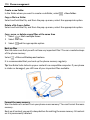
Use the virtual keyboard
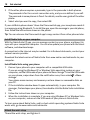
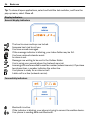
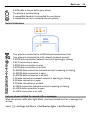
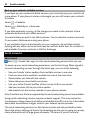
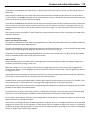
To activate the virtual keyboard, select a text input field. You may use the virtual
keyboard both in landscape and portrait mode.
Virtual keyboard in portrait mode may not be available in all writing languages.
1
2
3
4
5
6
7
8
9
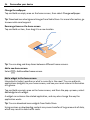
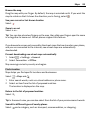
Virtual keyboard
Close key - Close the virtual keyboard.
Shift and caps lock key - To enter an upper case character when writing in lower
case, or vice versa, select the key before entering the character. To activate caps
lock mode, select the key twice.
Character range - Select the desired character range, such as numbers or special
characters.
Arrow keys - Move the cursor left or right.
Space bar - Insert a space.
Input menu - Activate predictive text input, or change the writing language.
Enter key - Move the cursor to the next row or text input field. Additional functions
are based on the current context. For example, in the web address field of the
web browser, it acts as the Go icon.
Backspace key - Delete a character.
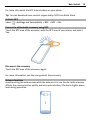
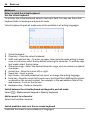
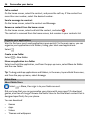
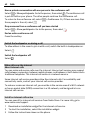
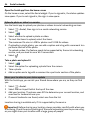
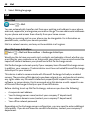
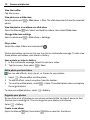
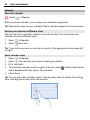
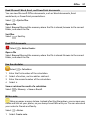
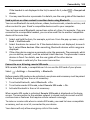
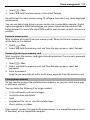
Switch between the virtual keyboard and keypad in portrait mode
> Alphanumeric keypad or Qwerty keyboard.
Select
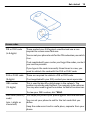
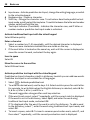
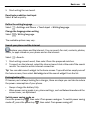
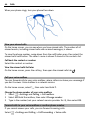
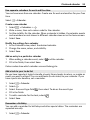
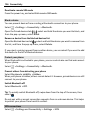
Add an accent to a character
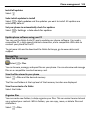
Select and hold the character.
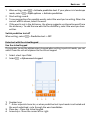
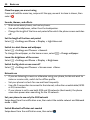
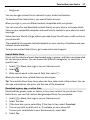
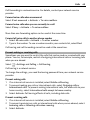
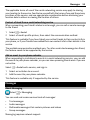
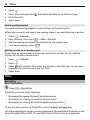
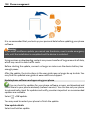
Switch predictive text on in the on-screen keyboard
Predictive text input is not available in all languages.