1
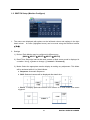
1.2. SWITCH Setup (Monitor Configure)
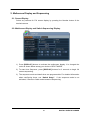
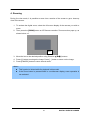
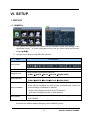
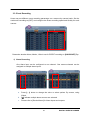
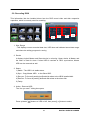
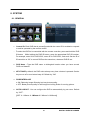
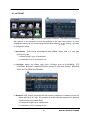
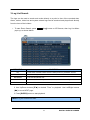
1. The menus are displayed with options on the left-hand column and settings in the right
hand column.
[
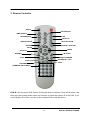
A cursor (highlighted menu) can be moved using the Direction buttons
].
2. Settings
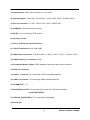
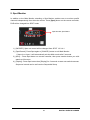
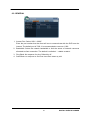
1) Device: Each Monitor may be configured in different way.
[MAIN Æ SPOT1 Æ SPOT2 Æ SPOT3 Æ SPOT4]
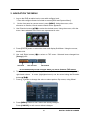
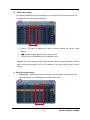
2) Dwell Time: Select the interval that each camera or Multi screen mode is displayed in
a rotation. Use [-, +] button to change : [1 second ~ 30 second]
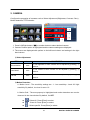
3) Mode: Select the appropriate monitor display to making any adjustment. This Mode
will be activated while it’s in Switch Mode..
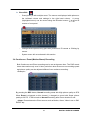
a. Sequence: Automatic Sequence.
b. Shift: Selected camera will be displayed after dwell time.
c. Event: To display particular camera in full screen or in multi mode when event
triggered.
32
DIGITAL VIDEO RECORDER