1
Chapter 3 Basic Operations — Switching on/off the projector
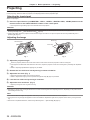
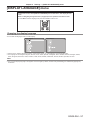
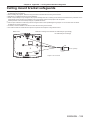
Making adjustments and selections
It is recommended that images are projected continuously for at least 30 minutes before the focus is adjusted.
1)
2)
4)
2)
1)
3)
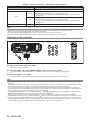
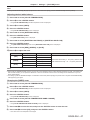
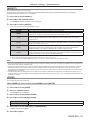
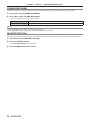
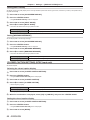
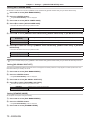
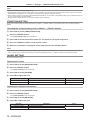
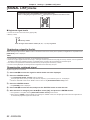
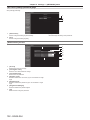
1) Set the initial settings. (x page 17)
ff The initial setting screen is displayed when the projector is switched on for the first time after purchase as well as when [ALL USER
DATA] (x page 80) in [INITIALIZE] is executed.
2) Press the input selection (<COMPUTER>, <DVI-I>, <VIDEO>, <DIGITAL LINK>, <HDMI>) buttons to
select the input signal. (x page 37)
3) Adjust the front, back and sideway tilt of the projector with the adjustable feet. (x page 25)
4) If the input signal is an RGB input signal, press the <AUTO SETUP> button. (x page 37)
Switching off the projector
3)
4)
1)
2)
1)
2)
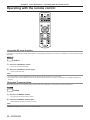
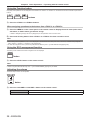
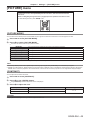
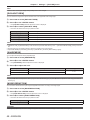
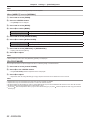
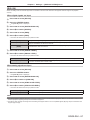
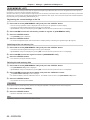
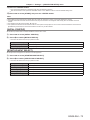
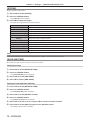
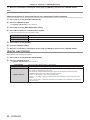
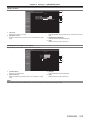
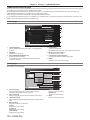
1) Press the power <v/b> button.
ff The [POWER OFF(STANDBY)] confirmation screen is displayed.
2) Press qw to select [OK], and press the <ENTER> button.
(Or press the power <v/b> button again.)
ff Projection of the image stops.
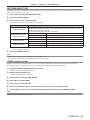
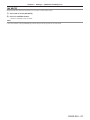
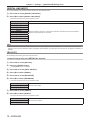
3) Wait for a few seconds until the power indicator <ON (G)/STANDBY (R)> of the projector body lights/
flashes in red.
4) Press the <OFF> side of the <MAIN POWER> switch to turn off the power.
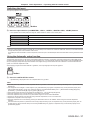
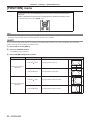
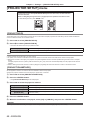
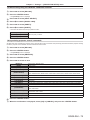
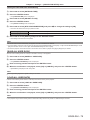
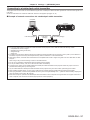
Note
ff The projector consumes power if the main power of the projector is on, even when the power <v/b> button is pressed and the
power is switched off.
When the [STANDBY MODE] menu (x page 70) is set to [ECO], the power consumption during standby can be conserved.
ff The power can be turned off by pressing the <OFF> side of the <MAIN POWER> switch while projecting or by directly using the breaker
under conditions where the <MAIN POWER> switch of the projector cannot be switched off/on easily such as while mounting on the ceiling.
However, the settings or adjustments performed right before the power is turned off may not be reflected.
ENGLISH - 33