1
Programming the machine
Switching the pre-brewing function on or
off
When the pre-brewing function is switched on, the
freshly ground coffee is first moistened with a little
hot water. Then the remaining water is forced
through the moistened coffee at high pressure. This
pre-brewing process allows the aroma and froth on
the coffee to develop to the full.
When the pre-brewing function is switched off, the
hot water is forced through the coffee immediately.
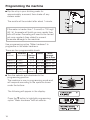
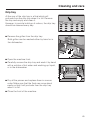
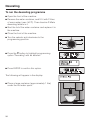
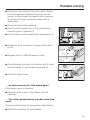
^ Turn the selector anti-clockwise to the
programming position.
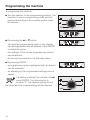
The machine is now in programming mode and
will respond according to the symbols shown
under the buttons.
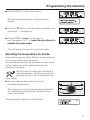
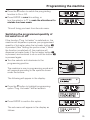
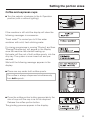
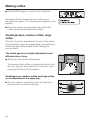
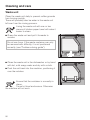
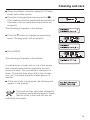
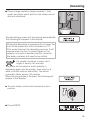
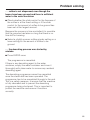
The following will appear in the display:
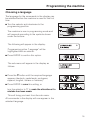
^ Press the e button to highlight programming
option "Pre-brewing" with an asterisk.
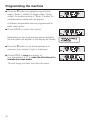
^ Press ENTER to confirm this option.
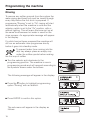
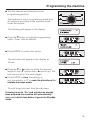
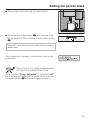
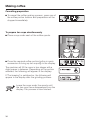
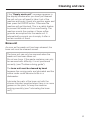
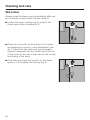
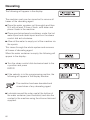
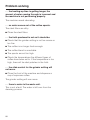
The sub-menu will appear in the display as
follows:
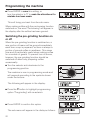
^ Press the e button to switch the pre-brewing
process on, off or to "long" (an extra long
pre-brew).
21