1
USER GUIDE
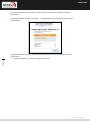
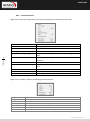
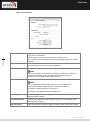
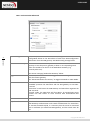
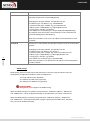
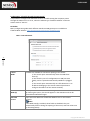
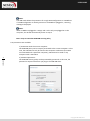
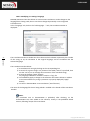
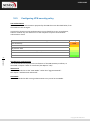
(1) Configuration constraint for the option "VPN Gateway Certificate Verification"
Certification chain of the VPN Gateway certificate is checked. It is therefore
necessary to import the root certificate and the intermediate certificates in the
Windows Certificate Store.
Similarly, the CRL for the certificate of the gateway are checked. They must be
available (either in the Windows Certificate Store, or downloadable)
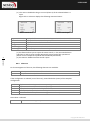
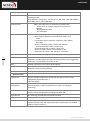
(2) This feature allows to define a particular certificate among multiple ones, when
several certificates with the same subject, for example, are stored on the same
smart card or token.
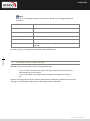
13.1.3. Define a SmartCard or Token (vpnconf.ini file)
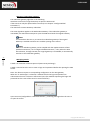
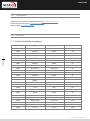
The list of Smartcard readers and Tokens compatible with NETASQ VPN IPsec Client is
available on the website TheGreenBow at: http://www.netasq.com/vpn/vpn_token.html
To install, configure and operate a smart card or a token with NETASQ VPN IPsec Client, see
"Deployment Guide PKI Options " (tgbvpn_ug_deployment_pki_en.pdf)
47
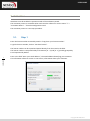
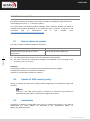
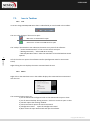
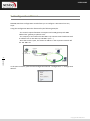
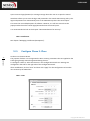
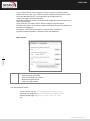
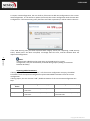
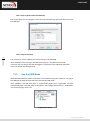
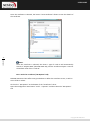
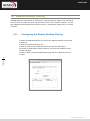
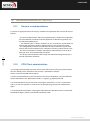
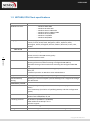
Once a reader is properly installed with the smart card inserted, or when a token is
available, it is identified in the list of media of certificates in the selected Phase 2
"Certificates" tab.
USER GUIDE
n ET DE CONFIGURATION
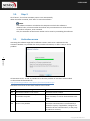
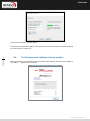
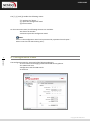
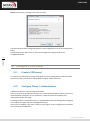
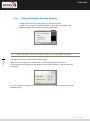
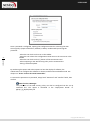
To select a certificate, click the Smart Card or Token that contains it, and select the correct
certificate.
13.2.
Import a certificate
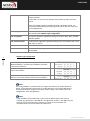
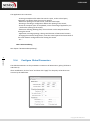
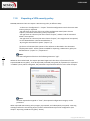
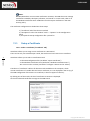
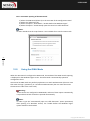
NETASQ VPN IPsec Client can import certificates in the VPN security policy with PEM or
PKCS12 format. The advantage of this solution, less secure than using the Windows
certificate store or a smart card, is to enable the easy and fast deployment of certificates.
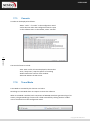
13.2.1. Import a PEM certificate
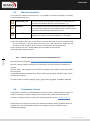
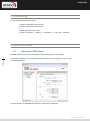
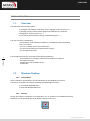
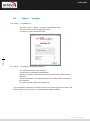
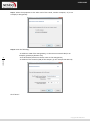
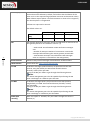
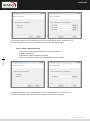
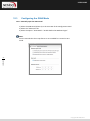
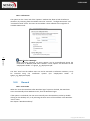
1/ In the "Certificates" tab of a Phase 2, click on "Import a Certificate ..."
2/ Select "PEM Format"
3/ Select ("Browse") root certificates, user and private key to import
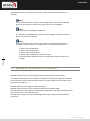
NOTE :
The file with the private key must not be encrypted.
4/ Validate
Copyright NETASQ 2012