1
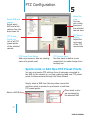
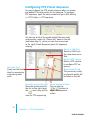
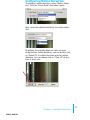
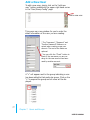
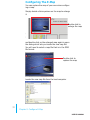
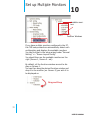
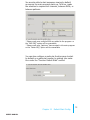
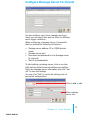
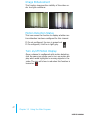
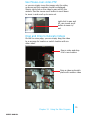
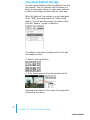
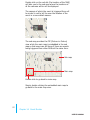
To configure a particular area for motion detection,
simply click and hold down the mouse left button and
move diagonally to select a desired area. You can do
it repetitively to configure multiple areas for motion
detection:
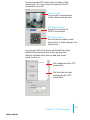
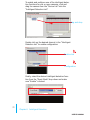
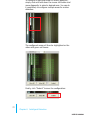
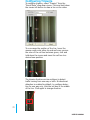
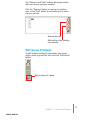
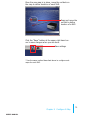
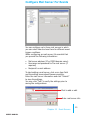
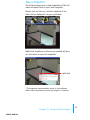
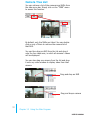
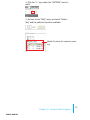
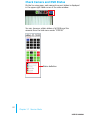
The configured areas will then be highlighted on the
video with green cell boxes:
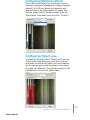
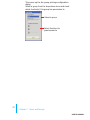
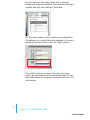
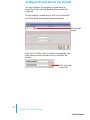
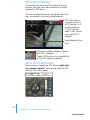
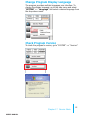
Finally, click “Submit” to save the configuration:
23
Chapter 6
Intelligent Detection
user’s manual