1
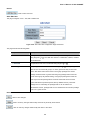
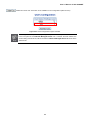
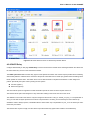
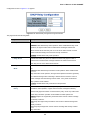
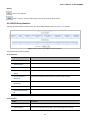
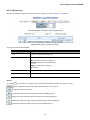
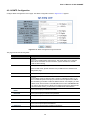
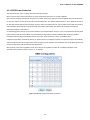
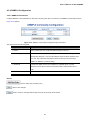
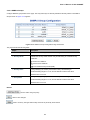
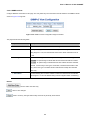
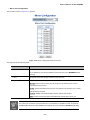
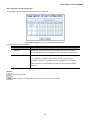
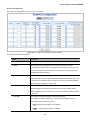
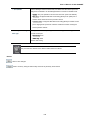
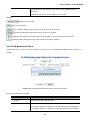
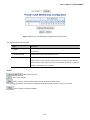
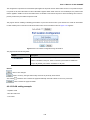
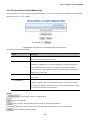
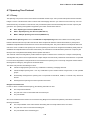
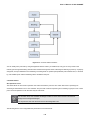
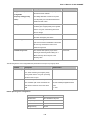
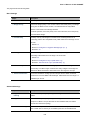
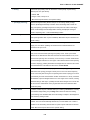
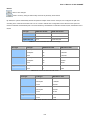
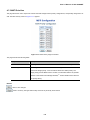
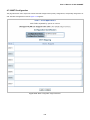
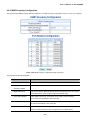
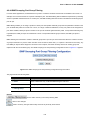
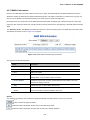
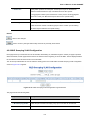
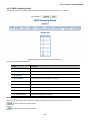
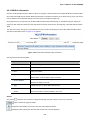
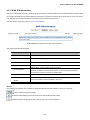
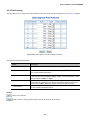
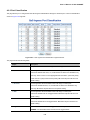
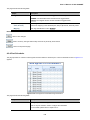
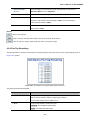
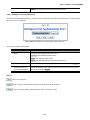
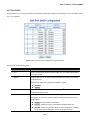
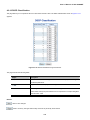
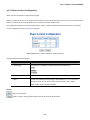
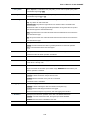
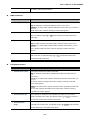
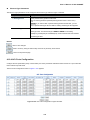
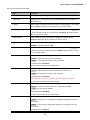
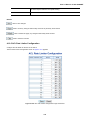
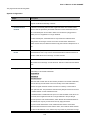
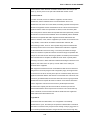
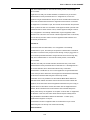
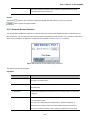
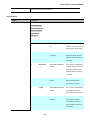
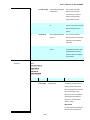
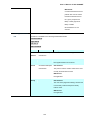
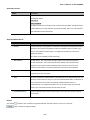
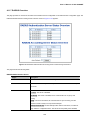
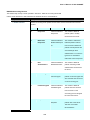
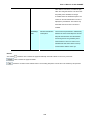
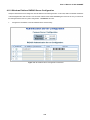
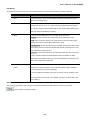
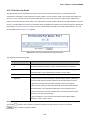
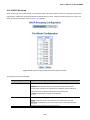
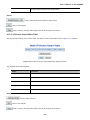
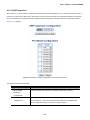
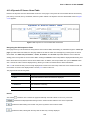
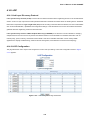
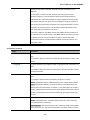
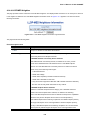
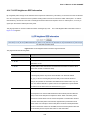
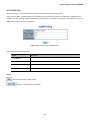
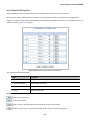
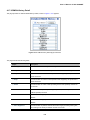
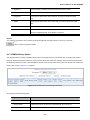
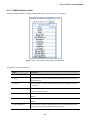
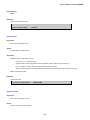
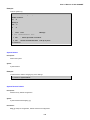
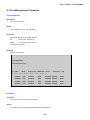
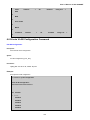
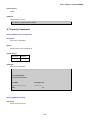
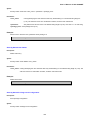
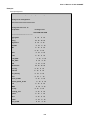
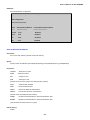
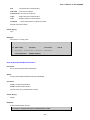
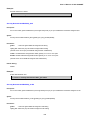
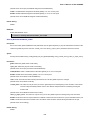
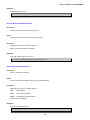
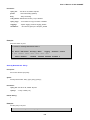
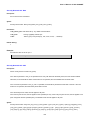
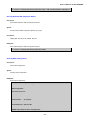
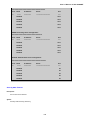
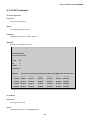
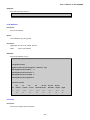
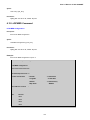
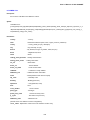
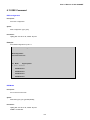
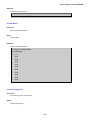
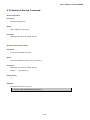
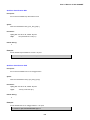
User’s Manual of IGS-10020MT 4.17.7 RMON History Configuration Configure RMON History table on this page. The entry index key is ID; screen in Figure 4-17-7 appears. Figure 4-17-7: RMON history configuration page screenshot The page includes the following fields: Object Description Delete Check to delete the entry. It will be deleted during the next save. ID Indicates the index of the entry. The range is from 1 to 65535. Data Source Indicates the port ID which wants to be monitored. If in stacking switch, the value must add 1000*(switch ID-1), for example, if the port is switch 3 port 5, the value is 2005. Interval Indicates the interval in seconds for sampling the history statistics data. The range is from 1 to 3600, default value is 1800 seconds. Buckets Indicates the maximum data entries associated this History control entry stored in RMON. The range is from 1 to 3600, default value is 50. Buckets Granted The number of data shall be saved in the RMON. Buttons : Click to add a new community entry. : Click to save changes. : Click to undo any changes made locally and revert to previously saved values. 331